Image model · OpenAI
GPT Image 2
Best-in-class text rendering and compositional control
GPT Image 2 is the strongest choice when a prompt needs legible text, precise layout, product mockups, or reference-image adaptation. It follows multi-part prompts closely and keeps source and reuse checks visible.
Ready to generate?
Take this workflow to Dovoo and run it.
What GPT Image 2 is best for
Text rendering
Use GPT Image 2 when the prompt needs labels, packaging copy, poster titles, or other legible design text.
Product mockups
It works well for commercial hero shots, e-commerce layouts, packaging scenes, and controlled studio lighting.
Portrait and character work
Prompts can specify wardrobe, expression, lens, lighting, and style while keeping reuse checks visible.
Reference-image workflows
Image-to-image cases preserve a supplied product, character, or composition while changing style or context.
Style transfer
Translate a visual direction into poster, illustration, editorial, or social media variants.
Input modes
Text to image
Describe the scene, subject, text, and style in one structured prompt.
Image to image
Supply a reference product, character, or composition and redirect the style or context.
Key parameters
- Aspect ratio
- 1:1, 3:2, 2:3, 16:9, 9:16(Match the destination layout; poster/social often differ.)
- Resolution
- Up to high-fidelity(Pick the export tier that fits print vs. web.)
- Prompt structure
- subject + setting + text + style + lens/lighting(Lead with the subject, place legible text early.)
Prompt guide for GPT Image 2
- 1Put any in-image text in quotes near the start of the prompt so it renders cleanly.
- 2Name the lens and lighting explicitly (e.g. 50mm, soft studio key) for controlled product shots.
- 3For image-to-image, describe what to KEEP before what to CHANGE.
Real outputs
GPT Image 2 examples
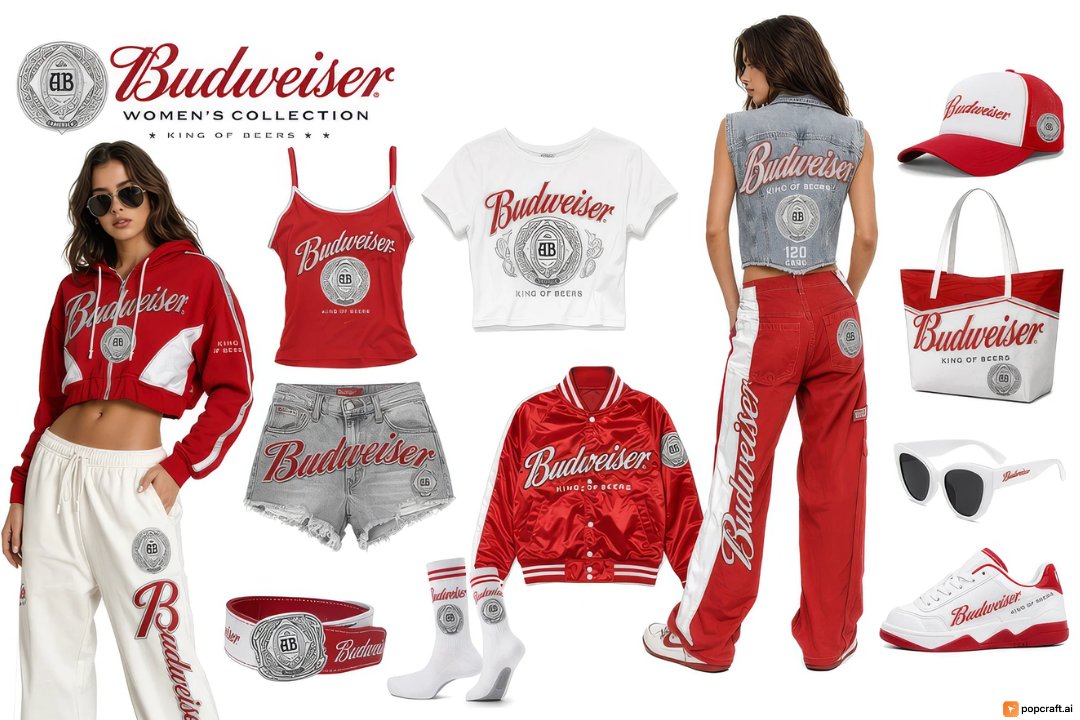
Budweiser Streetwear Fashion Concept Board for GPT Image 2
Fashion & Beauty
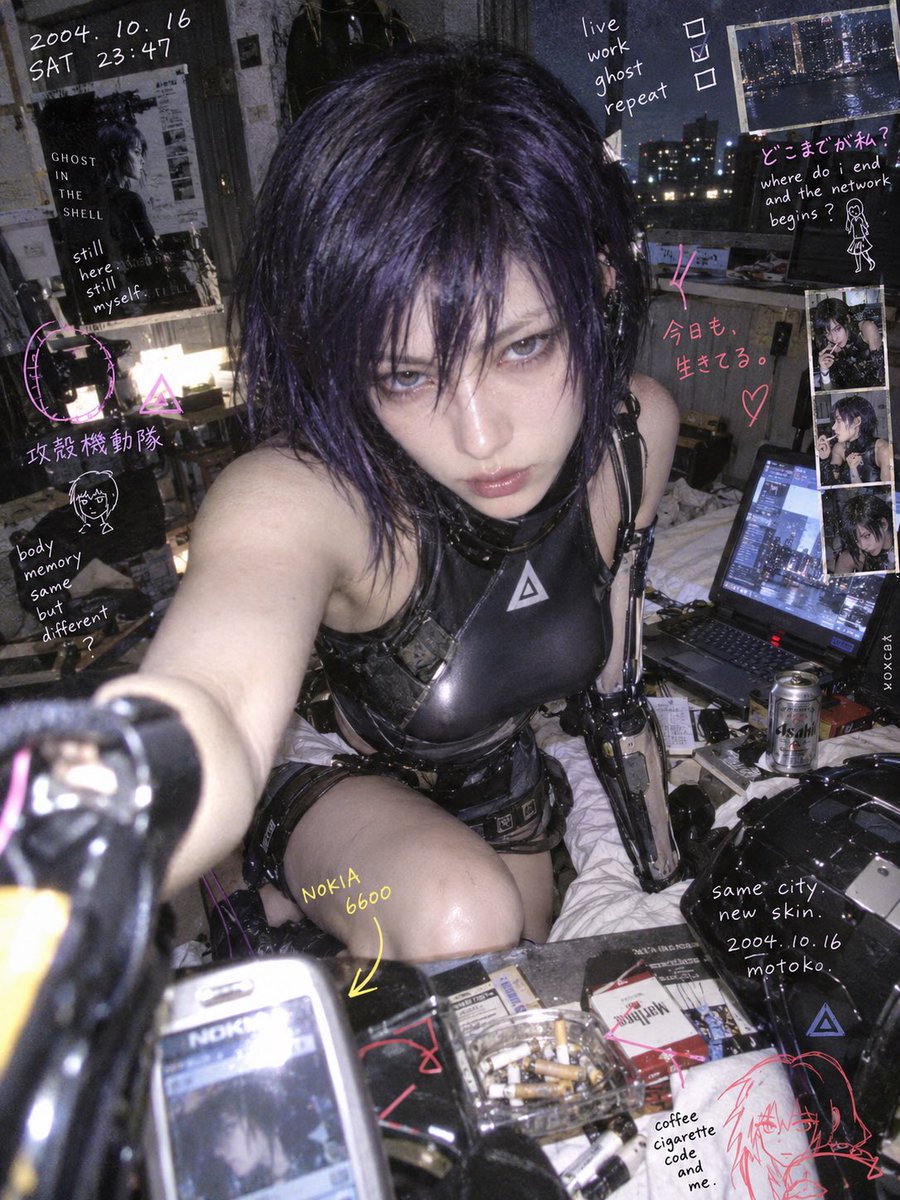
Nokia Photo with Handwritten Diary Doodles for GPT Image 2
Portrait & Character
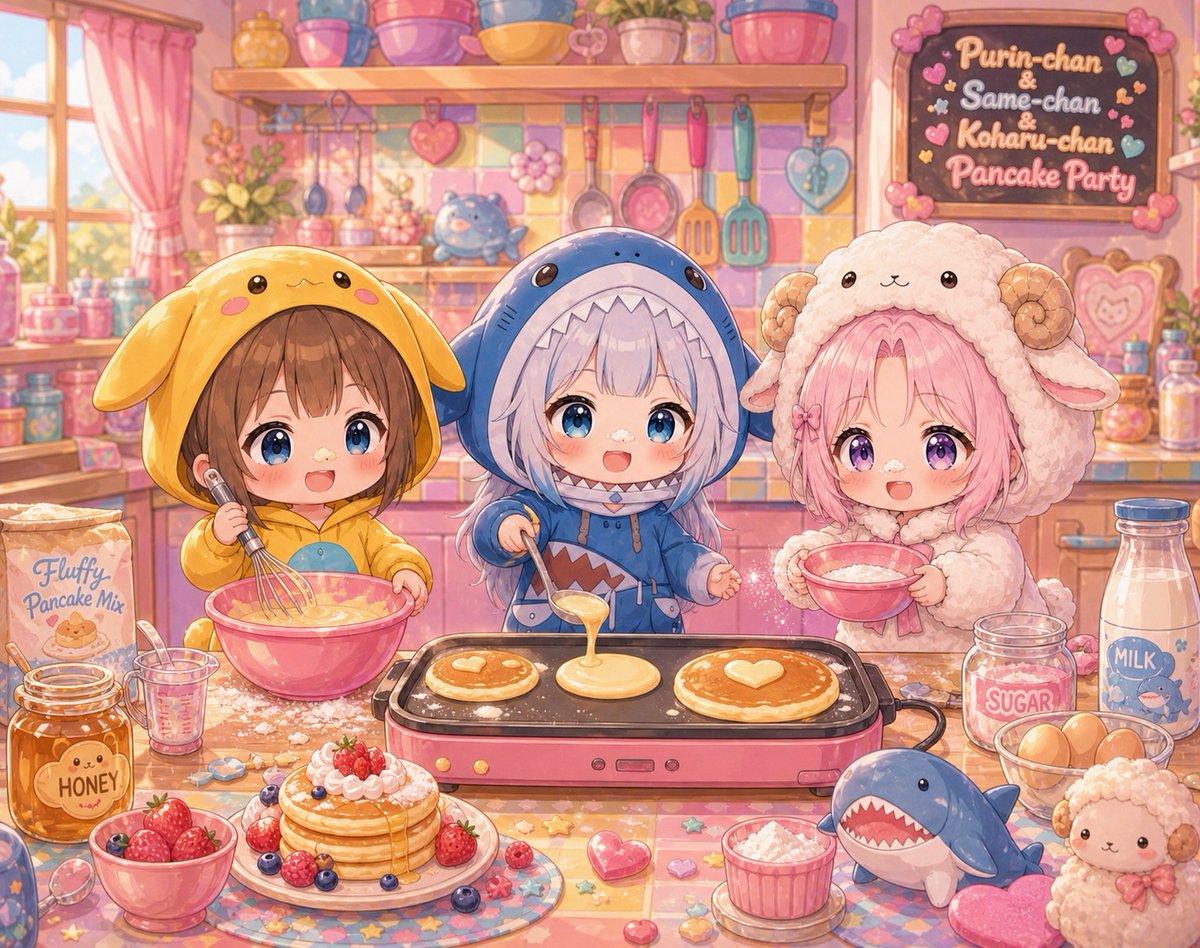
Chibi Girls Making Pancakes for GPT Image 2
Anime & Game
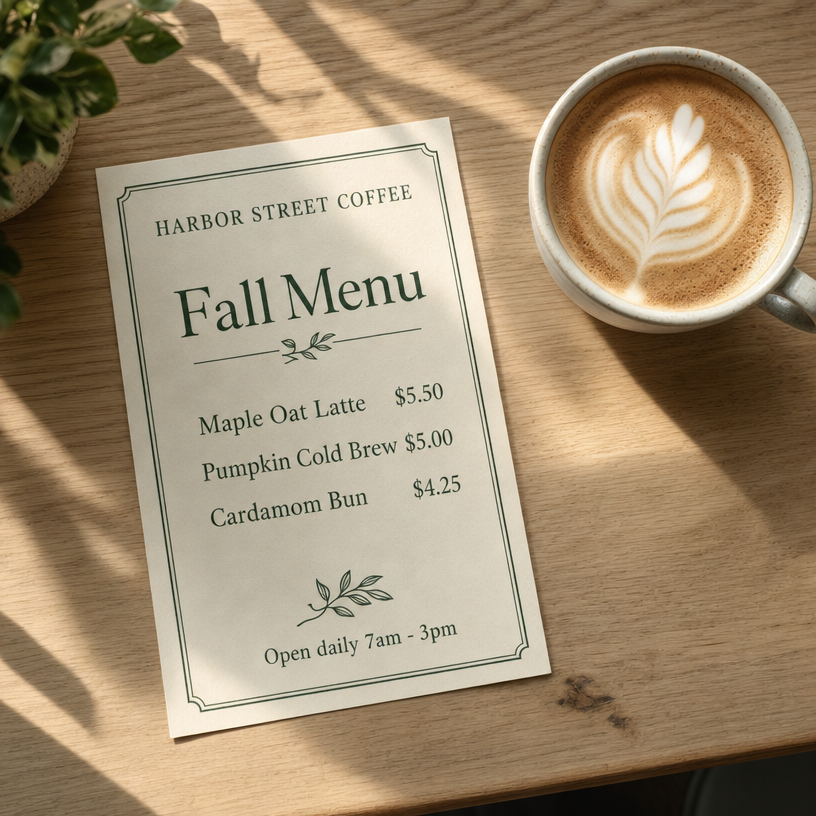
Harbor Street Coffee Fall Menu for GPT Image 2
Graphic & Poster
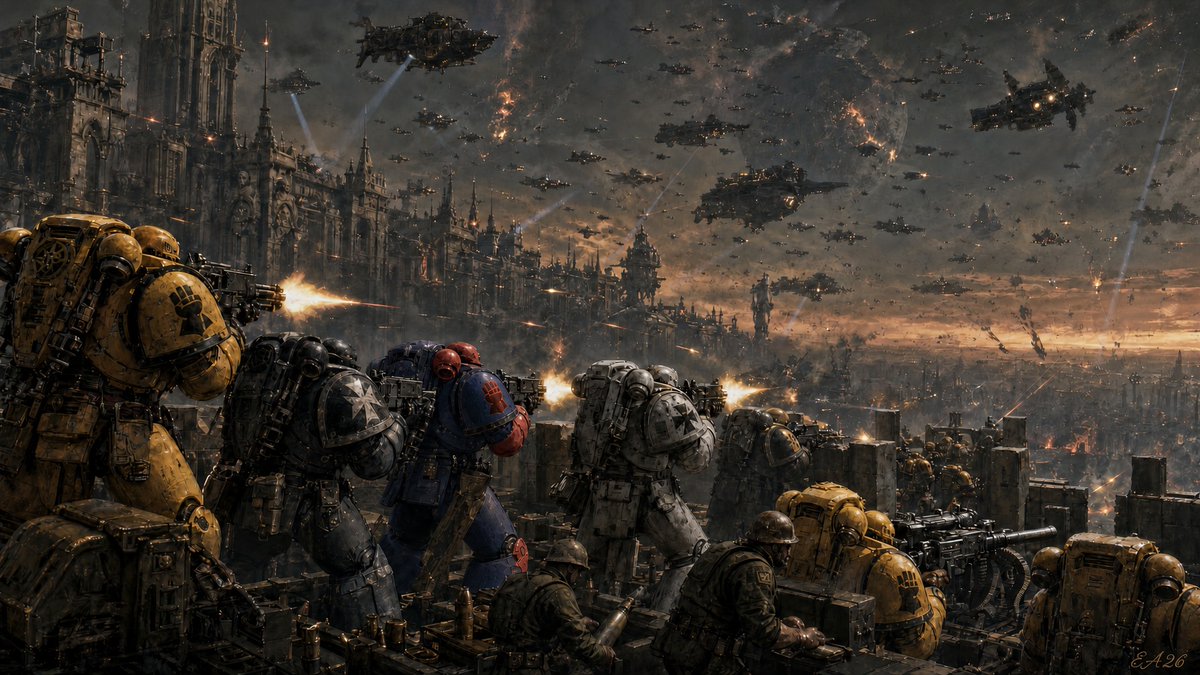
Warhammer 40k Battle Scene for GPT Image 2
Anime & Game
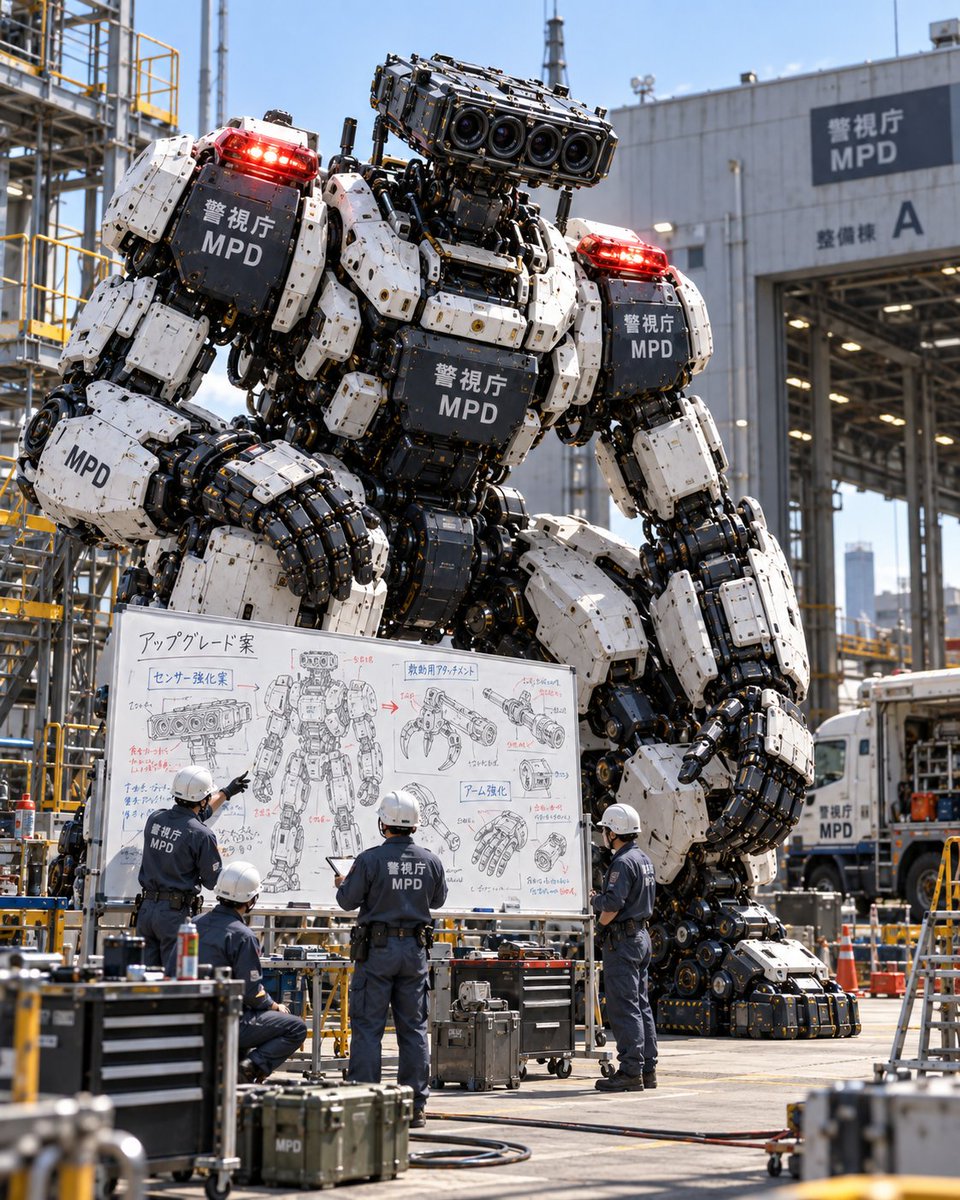
Giant Police Robot Maintenance Review for GPT Image 2
Portrait & Character
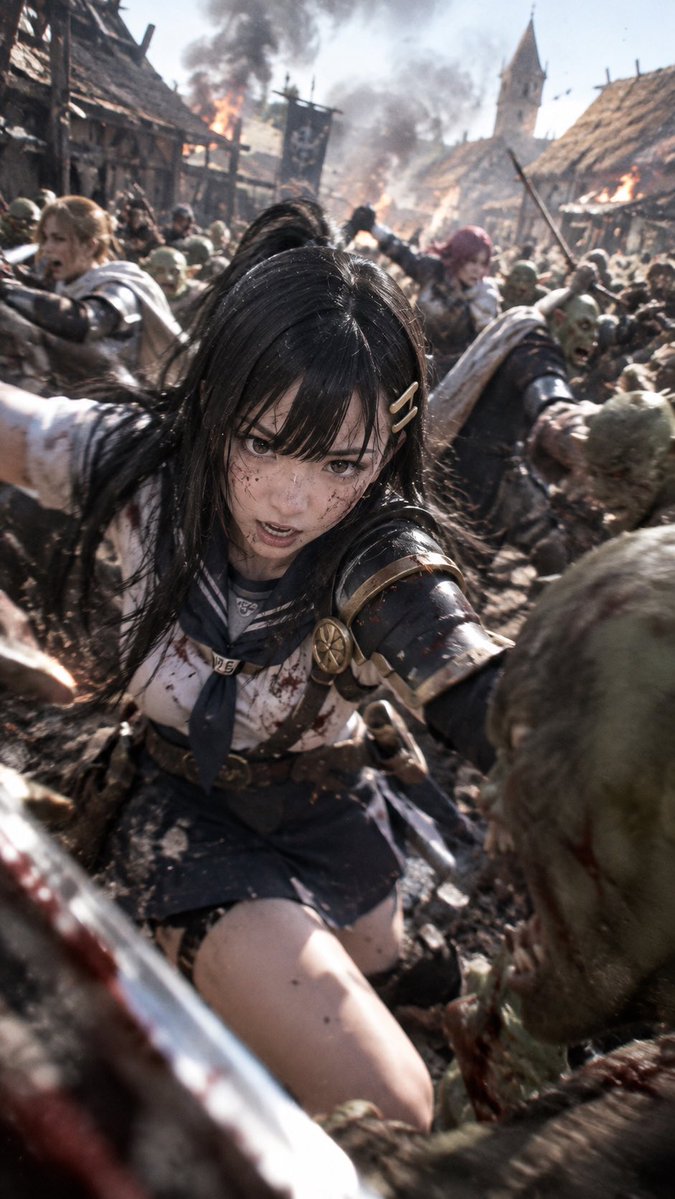
Realistic Anime Warrior in Medieval Battle for GPT Image 2
Anime & Game
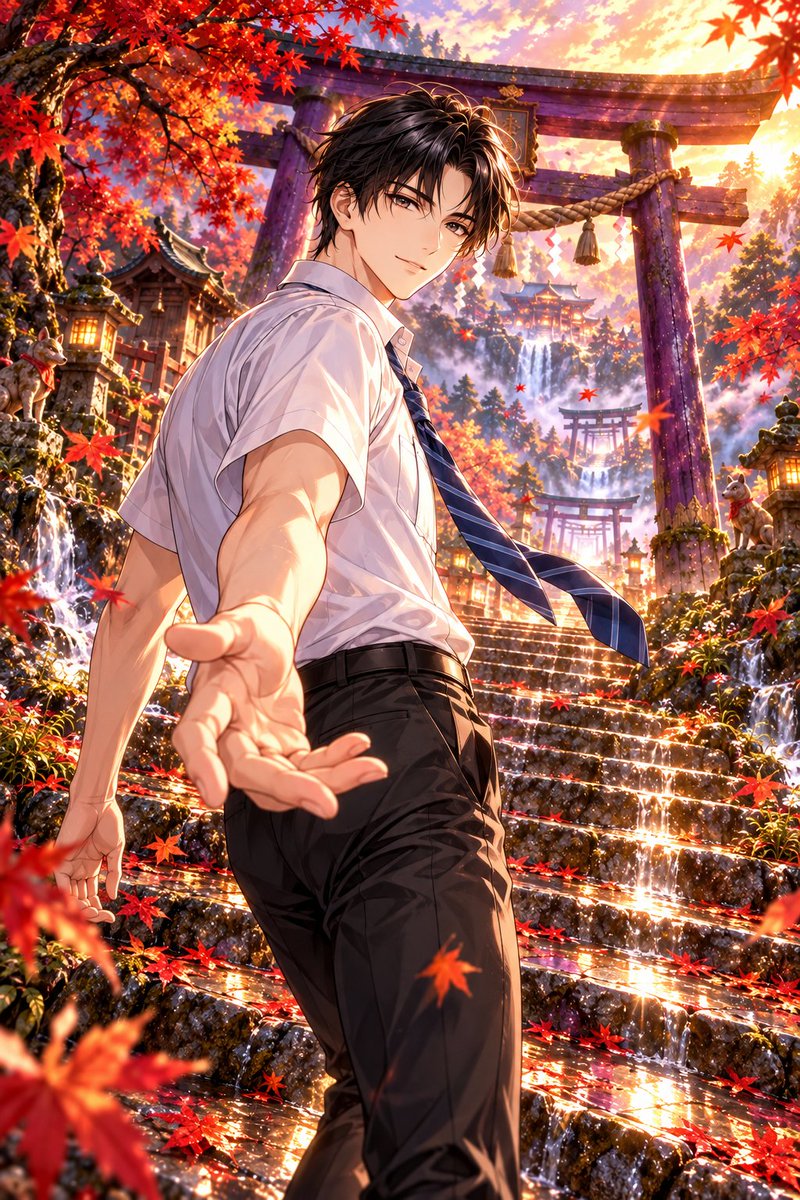
Autumn Shrine Background with Purple Torii for GPT Image 2
Illustration & Art
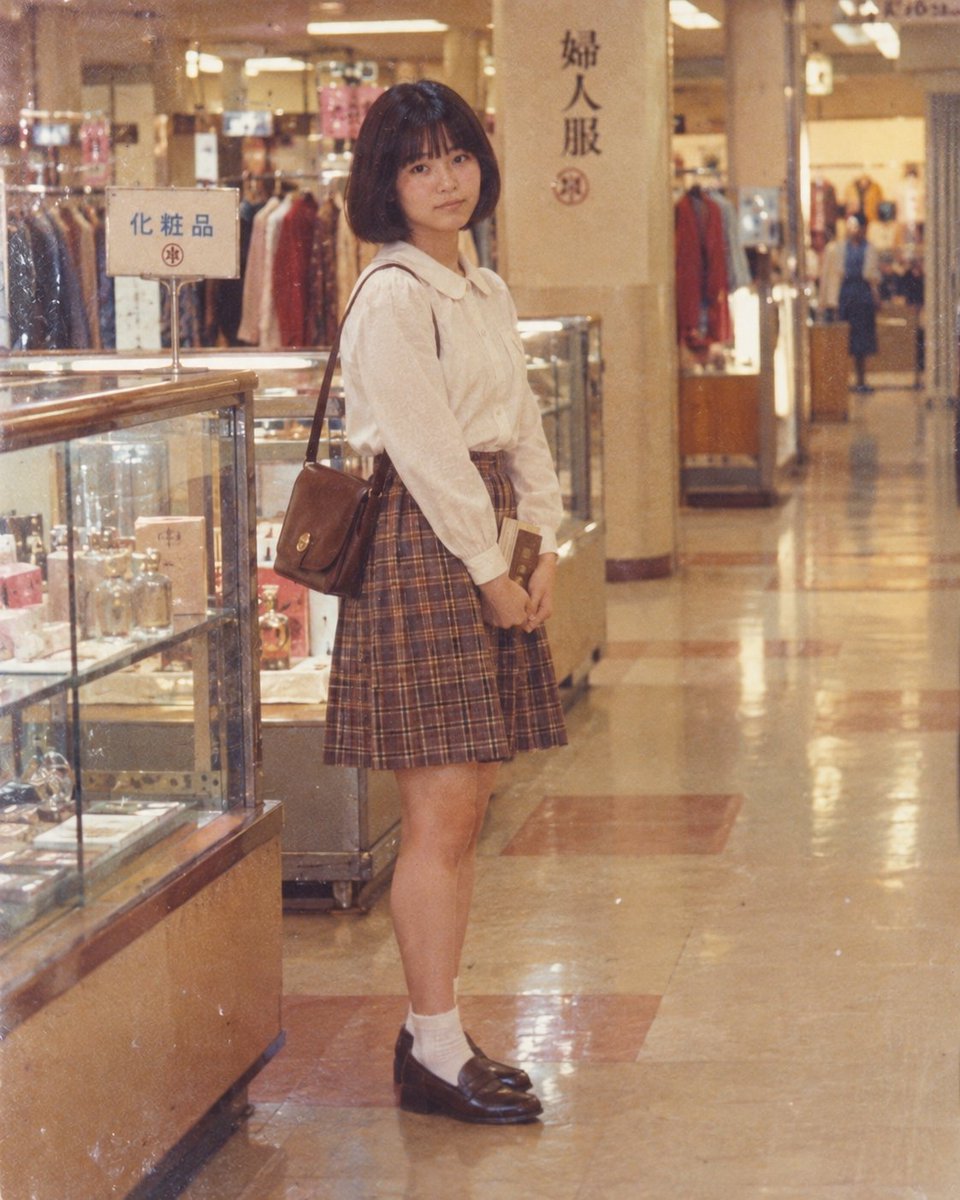
Vintage Department Store Portrait for GPT Image 2
Portrait & Character
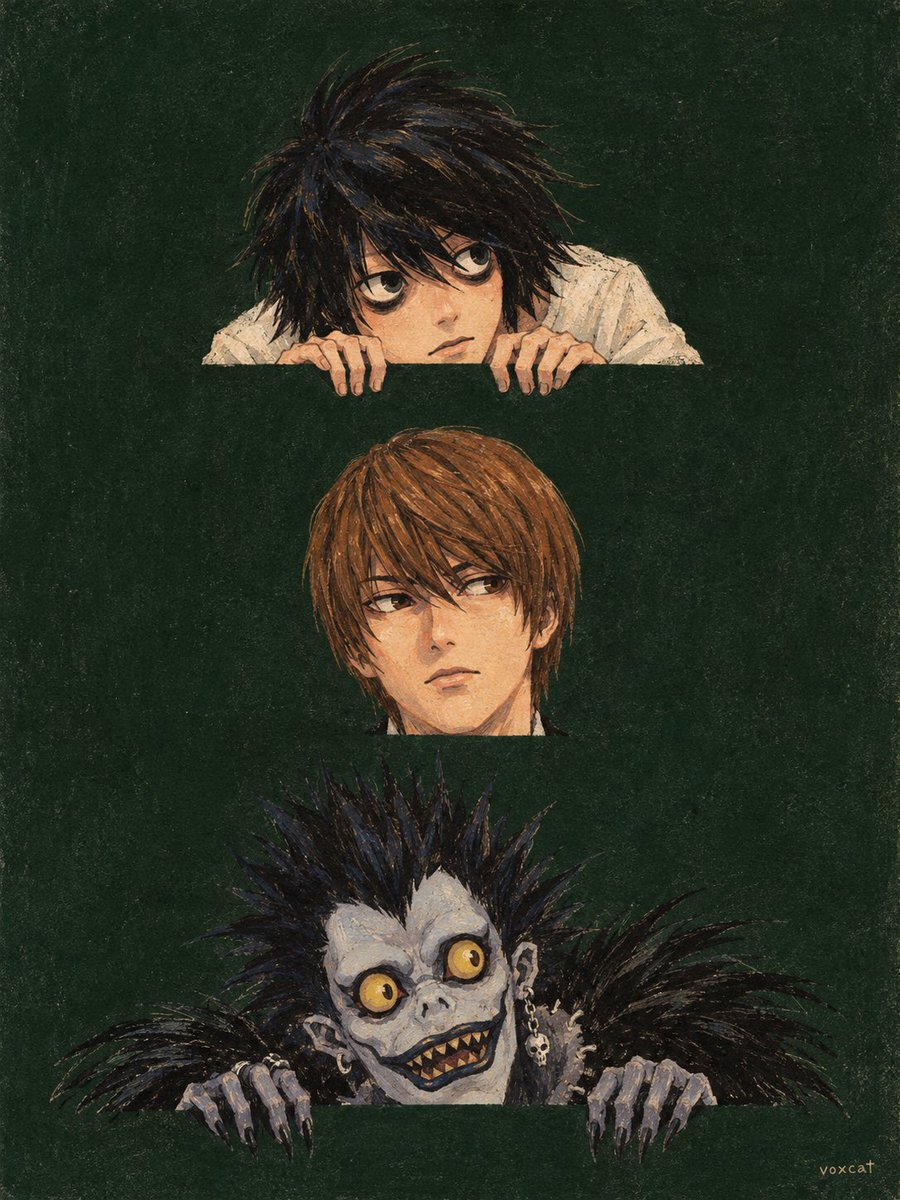
Retro Children's Book Cover Character Illustration for GPT Image 2
Illustration & Art
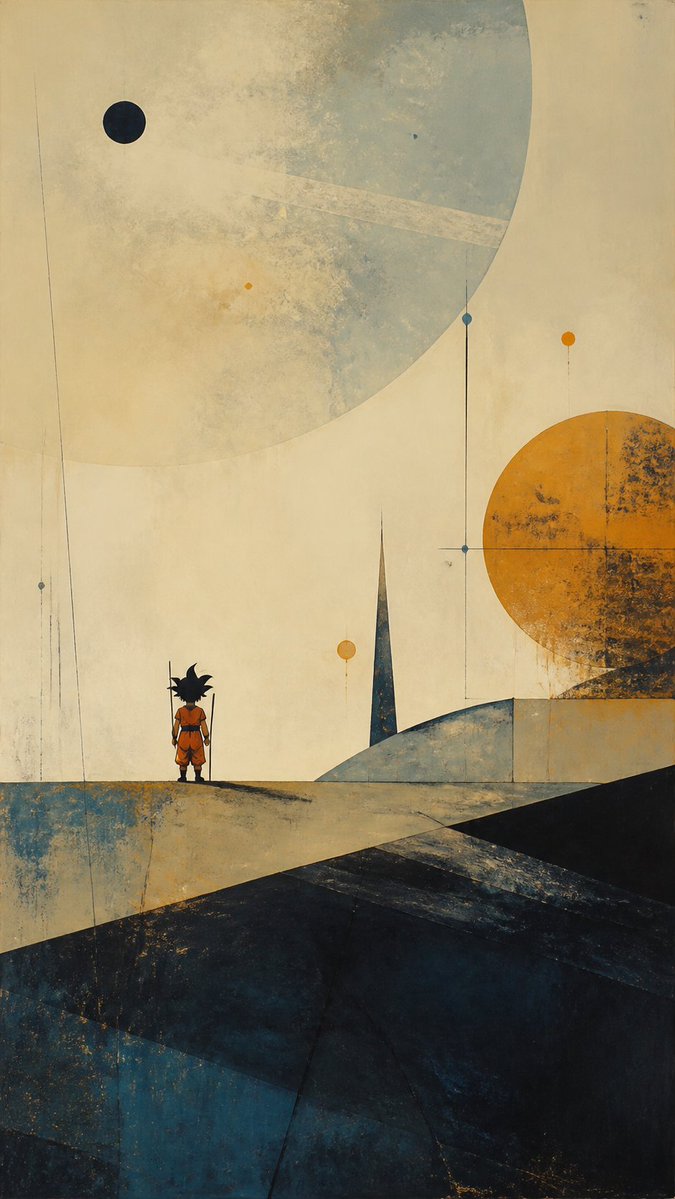
Abstract Minimalist Goku Landscape for GPT Image 2
Illustration & Art
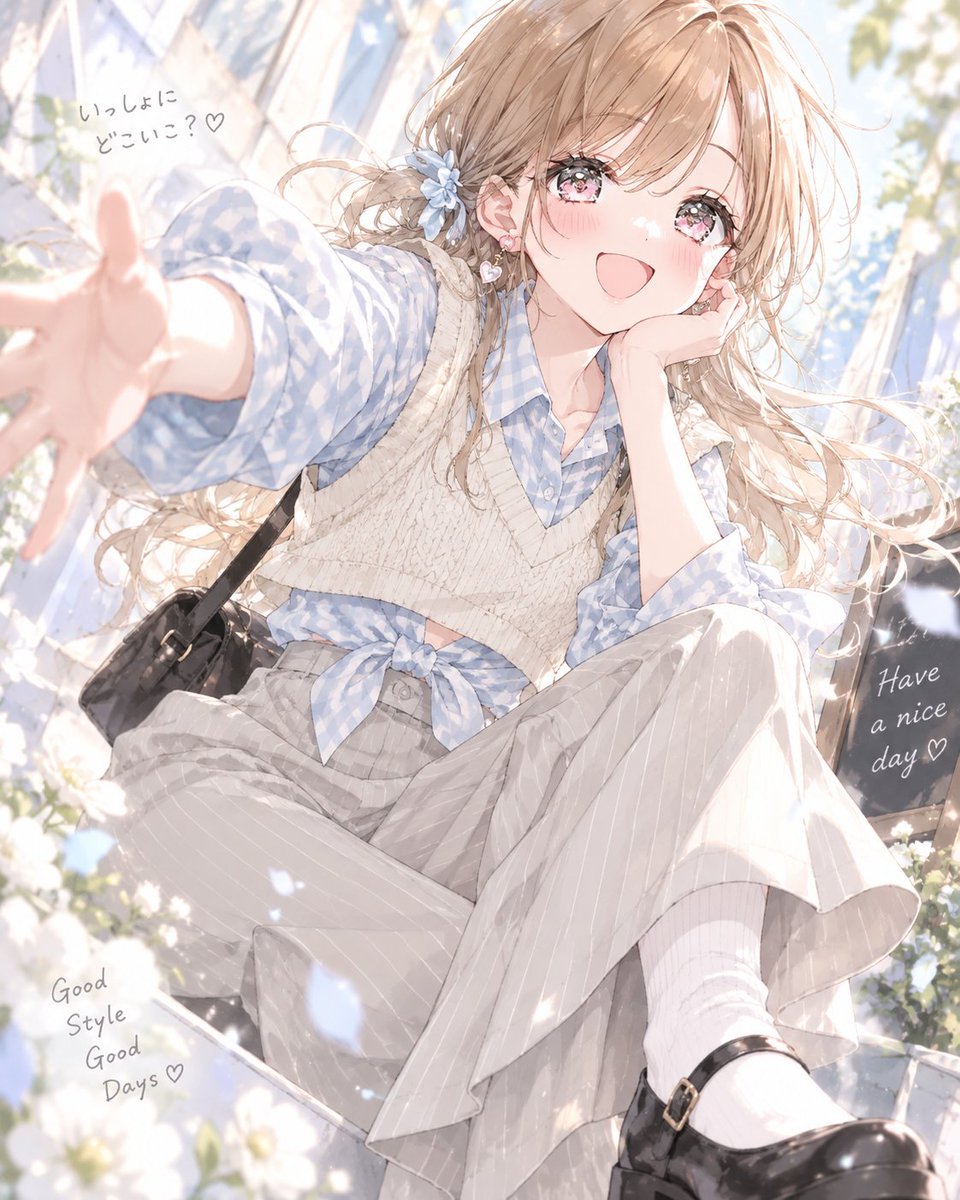
Soft Preppy Outfit Design Prompt for GPT Image 2
Fashion & Beauty
GPT Image 2 FAQ
When should I pick GPT Image 2 over Nano Banana Pro?
Pick GPT Image 2 when the image needs legible text, packaging copy, or tight compositional control. Pick Nano Banana Pro for faster, natural photographic looks.
Does GPT Image 2 support image-to-image?
Yes. Supply a reference and describe what to preserve versus restyle; it adapts well for product and character work.
How should I structure a GPT Image 2 prompt?
Lead with the subject, put required in-image text near the start, then specify composition, style, lens, lighting, and output ratio.
Canonical: https://modelpromptlab.com/models/gpt-image-2