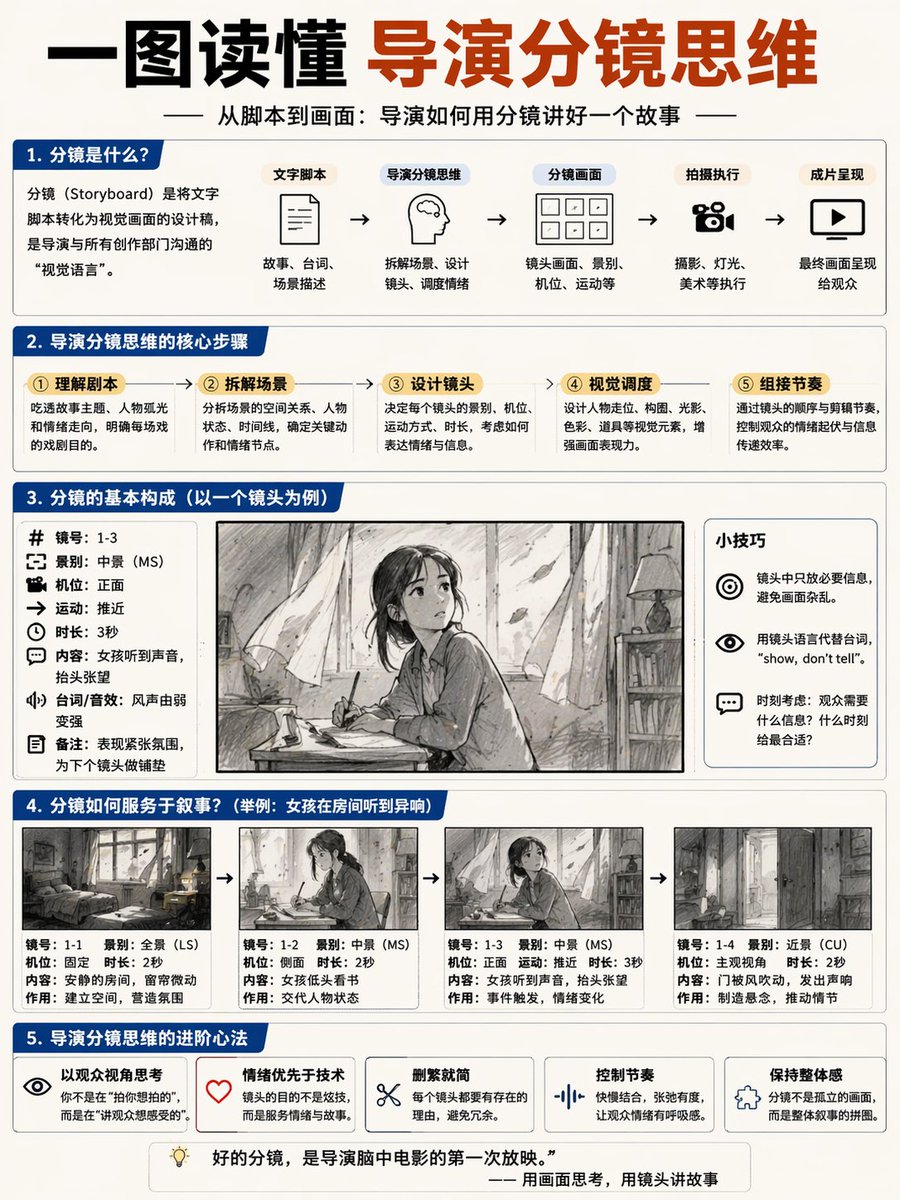
Storyboard Director Infographic
Generates a comprehensive 5-section educational infographic about storyboarding, featuring flowcharts, parameter lists, and a 4-panel sequential comic example.
This is a GPT Image 2 prompt case for 平面海报. Use the copy-ready prompt below to generate similar visuals, and review Awesome GPT Image 2 Prompts attribution plus commercial-use rights before reuse.
Prompt
Copy-ready prompt
{
  "type": "Educational infographic poster",
  "header": {
    "title": "{argument name=\"main title\" default=\"Understanding the Director's Storyboard Mindset in One Picture\"}",
    "subtitle": "{argument name=\"subtitle\" default=\"From Script to Visuals: How a Director Tells a Story Through Storyboarding\"}"
  },
  "layout": {
    "sections": [
      {
        "title": "1. What is a storyboard?",
        "components": [
          "Define text box",
          {
            "type": "flowchart",
            "count": 5,
            "labels": [
              "Script",
              "Director's Storyboard Thinking",
              "Storyboard",
              "Filming execution",
              "Final presentation"
            ]
          }
        ]
      },
      {
        "title": "2. The core steps of a director's storyboard thinking",
        "count": 5,
        "labels": [
          "① Understanding the script",
          "② Disassembly of the scenario",
          "③ Design lens",
          "④ Visual scheduling",
          "⑤ Grouping rhythm"
        ]
      },
      {
        "title": "3. The basic structure of a storyboard (taking a single shot as an example)",
        "columns": [
          {
            "position": "left",
            "count": 8,
            "labels": [
              "Mirror number",
              "Shot type",
              "camera position",
              "sports",
              "Duration",
              "content",
              "Dialogue/Sound Effects",
              "Remark"
            ]
          },
          {
            "position": "center",
            "image": "{argument name=\"character subject\" default=\"anime girl reading in a room\"}"
          },
          {
            "position": "right",
            "title": "Tips",
            "count": 3,
            "description": "Icon Highlights"
          }
        ]
      },
      {
        "title": "4. How do storyboards serve the narrative?",
        "subtitle": "{argument name=\"example scenario\" default=\"Example: The girl heard strange noises in the room.\"}",
        "count": 4,
        "panels": [
          "Panoramic view of the room",
          "Girl reading (middle scene)",
          "Girl looking up (medium shot)",
          "Close-up of the door opening"
        ],
        "caption_labels": [
          "Mirror number",
          "Shot type",
          "camera position",
          "Duration",
          "content",
          "effect"
        ]
      },
      {
        "title": "5. Advanced Techniques for Directors' Storyboard Thinking",
        "count": 5,
        "labels": [
          "Thinking from the audience's perspective",
          "Emotion over technology",
          "Simplify",
          "Control the rhythm",
          "Maintain a sense of unity"
        ]
      }
    ],
    "footer": "{argument name=\"footer quote\" default=\"A good storyboard is the first screening of the film in the director's mind.\"}"
  },
  "style": "Simple business-style infographics, blue and white color scheme, structured grid."
}
Prompt variables
Editable argument placeholders found in the prompt, with their default values.
More cases in this category
Prioritized by category, input mode compatibility, quality, and lower risk.
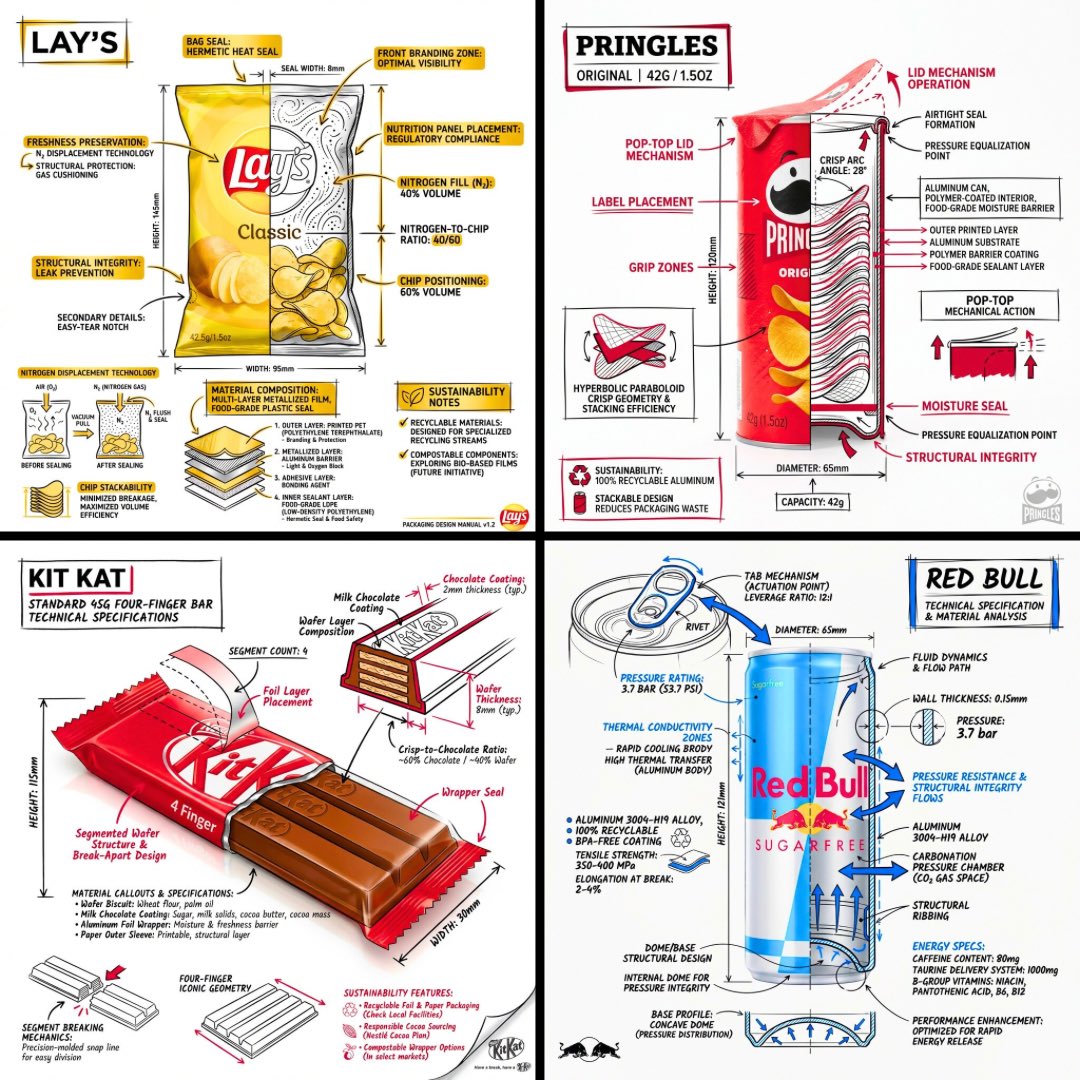

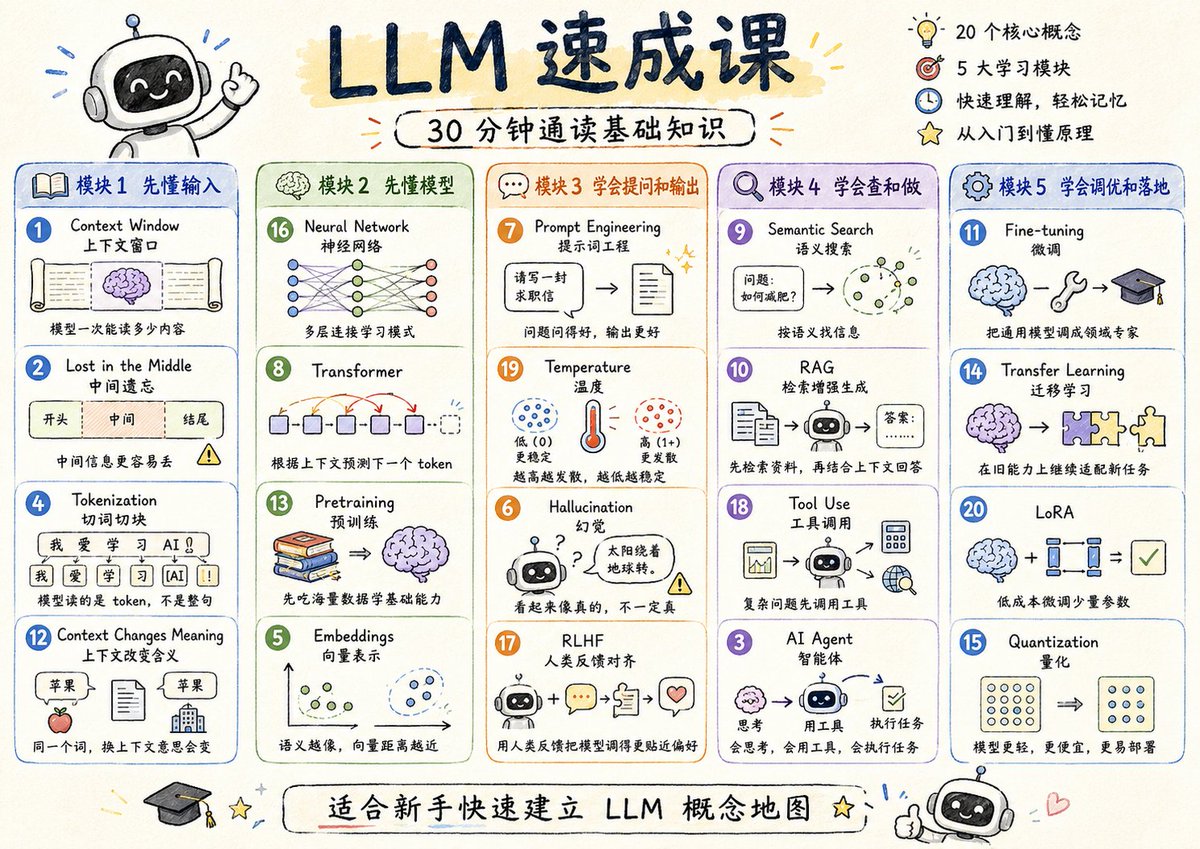
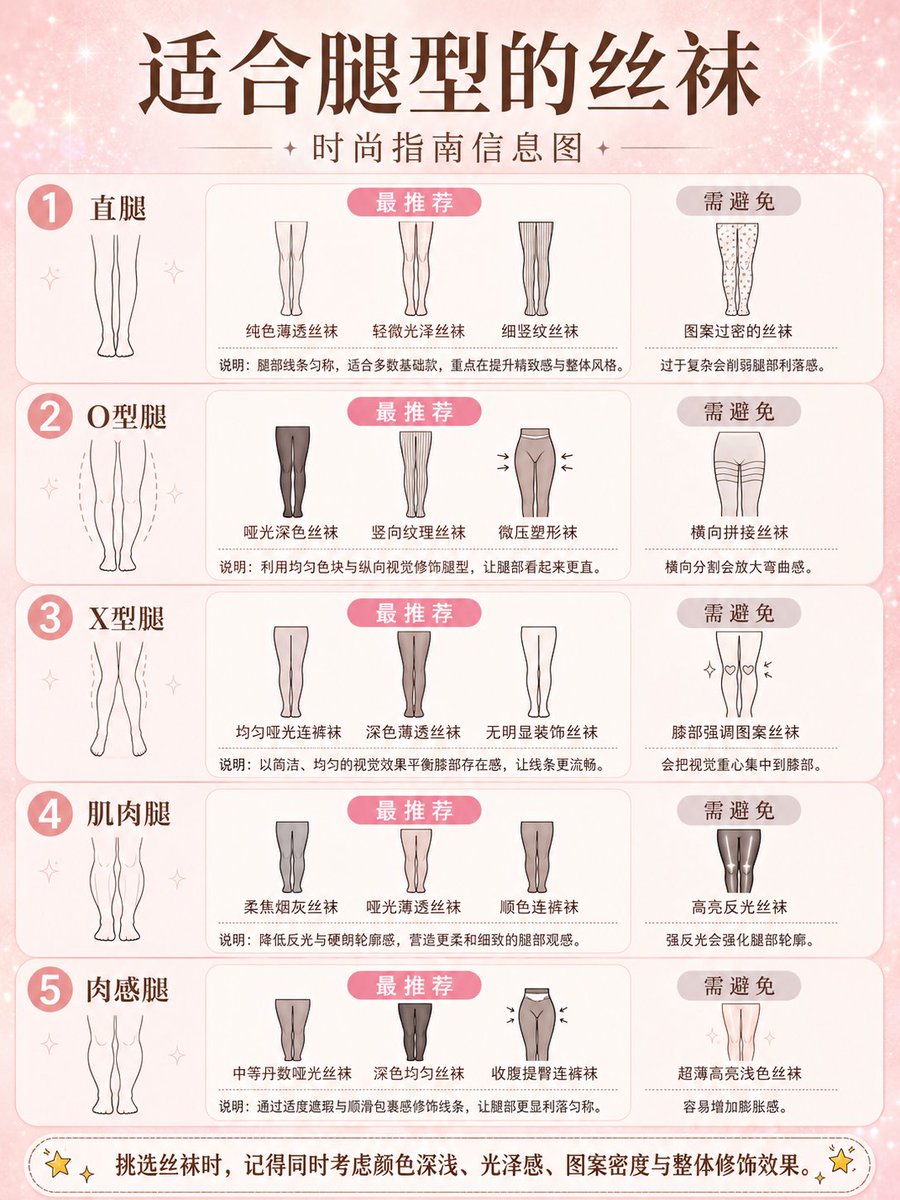
Reuse and source notes
Use this prompt safely after previewing the case.
- 1.Copy the prompt or open it directly in Dovoo with the generation button.
- 2.Adjust variables, aspect ratio, and reference images for your own use case.
- 3.Before publishing or paid usage, verify source rights, attribution requirements, and brand or likeness risks.
Can I use this prompt commercially?
Commercial-use status is allowed. Review the original source, license, brand constraints, and legal requirements before paid usage.
Where does this case come from?
This case is imported from Awesome GPT Image 2 Prompts; keep attribution visible and check the source URL before reuse.