
Cinematic GPT Image 2 Poster
Generates a dramatic sci-fi tech banner with large title typography over an alien mountain lake landscape.
This is a GPT Image 2 prompt case for 平面海报. Use the copy-ready prompt below to generate similar visuals, and review Awesome GPT Image 2 Prompts attribution plus commercial-use rights before reuse.
Need the full prompt set? Use the 平面海报 topic hub for more related examples, or open the GPT Image 2 prompt library for the full example index, reusable structures, and source attribution.
Prompt
Copy-ready prompt
Create a cinematic sci-fi landscape poster in a 16:9 widescreen format. In the lower center of the foreground, a solitary human silhouette stands on a rocky shore, facing a vast, mirror-like mountain lake, surrounded by the rugged peaks of the Alps. Above the horizon is a deep cyan-blue night sky, shrouded in hazy mist; in the upper center of the background, a giant, Earth-like, luminous planet floats, with a smaller satellite in the upper right. Employ an atmospheric, high-contrast color palette with cool cyan and deep navy blue tones, adding soft lighting to create a realistic digital painting style, showcasing an epic, fantastical scale with a slight depth-of-field blur effect, creating a mysterious and adventurous atmosphere. Overlay a striking white, bold sans-serif title text in the center of the image.{argument name="main title" default="GPT image 2"} It features a subtle dark shadow; below it, a smaller, bold white Chinese subtitle is placed in the center.{argument name="subtitle text" default="More powerful image generation models"} The layout remains clean, modern, and highly legible, giving it the feel of a technology launch event cover banner.Prompt variables
Editable argument placeholders found in the prompt, with their default values.
Variable
main title
Default
GPT image 2
Variable
subtitle text
Default
More powerful image generation models
More cases in this category
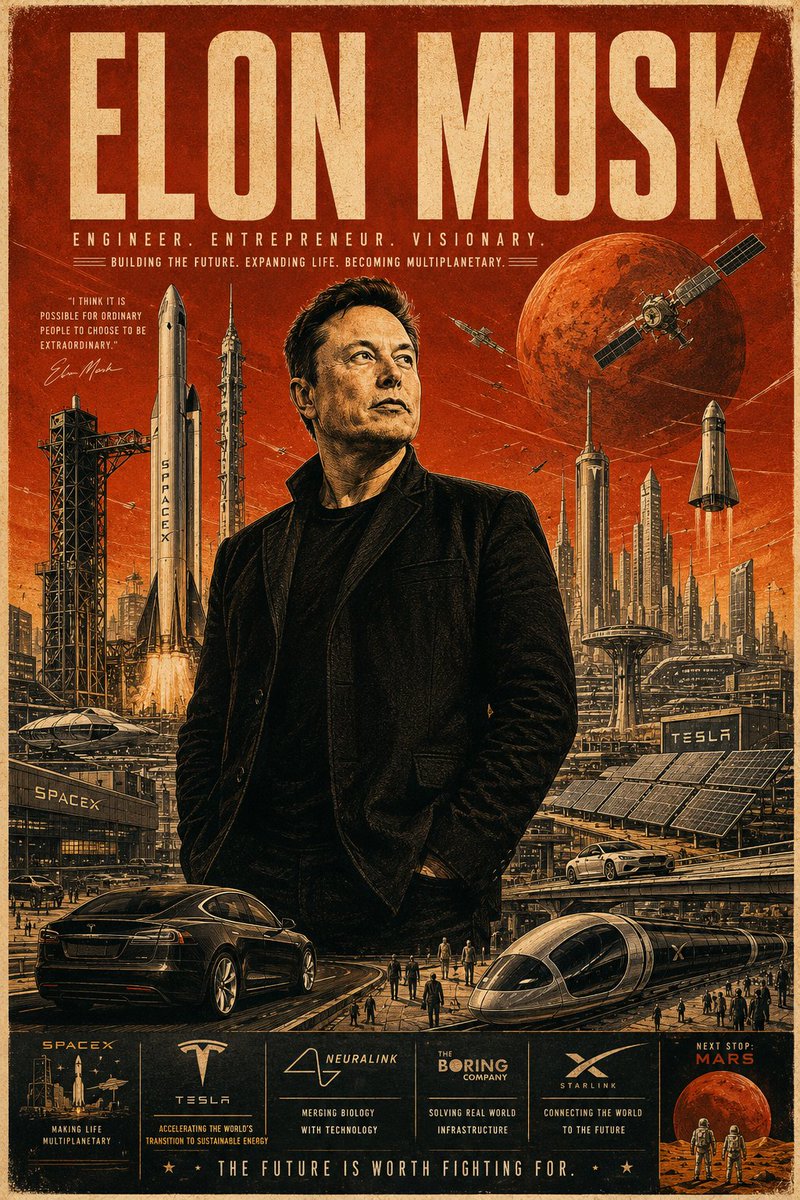
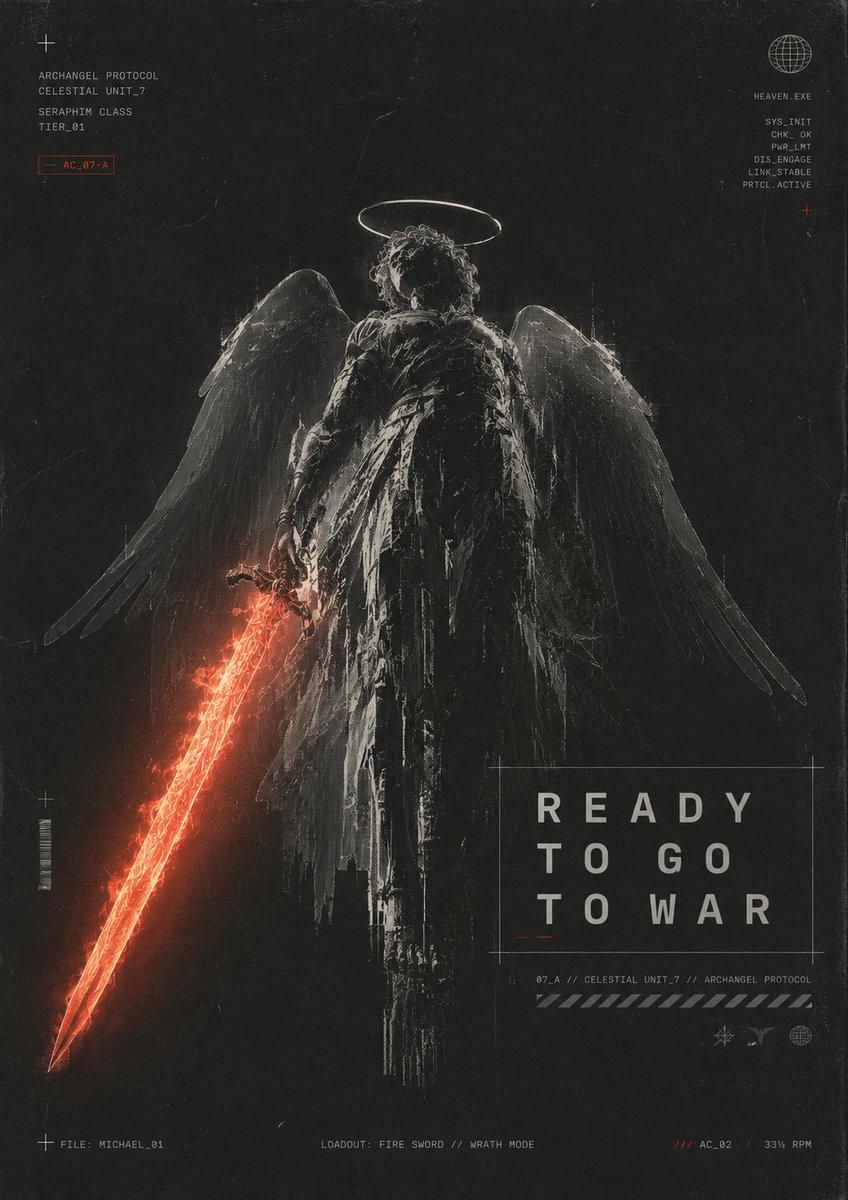
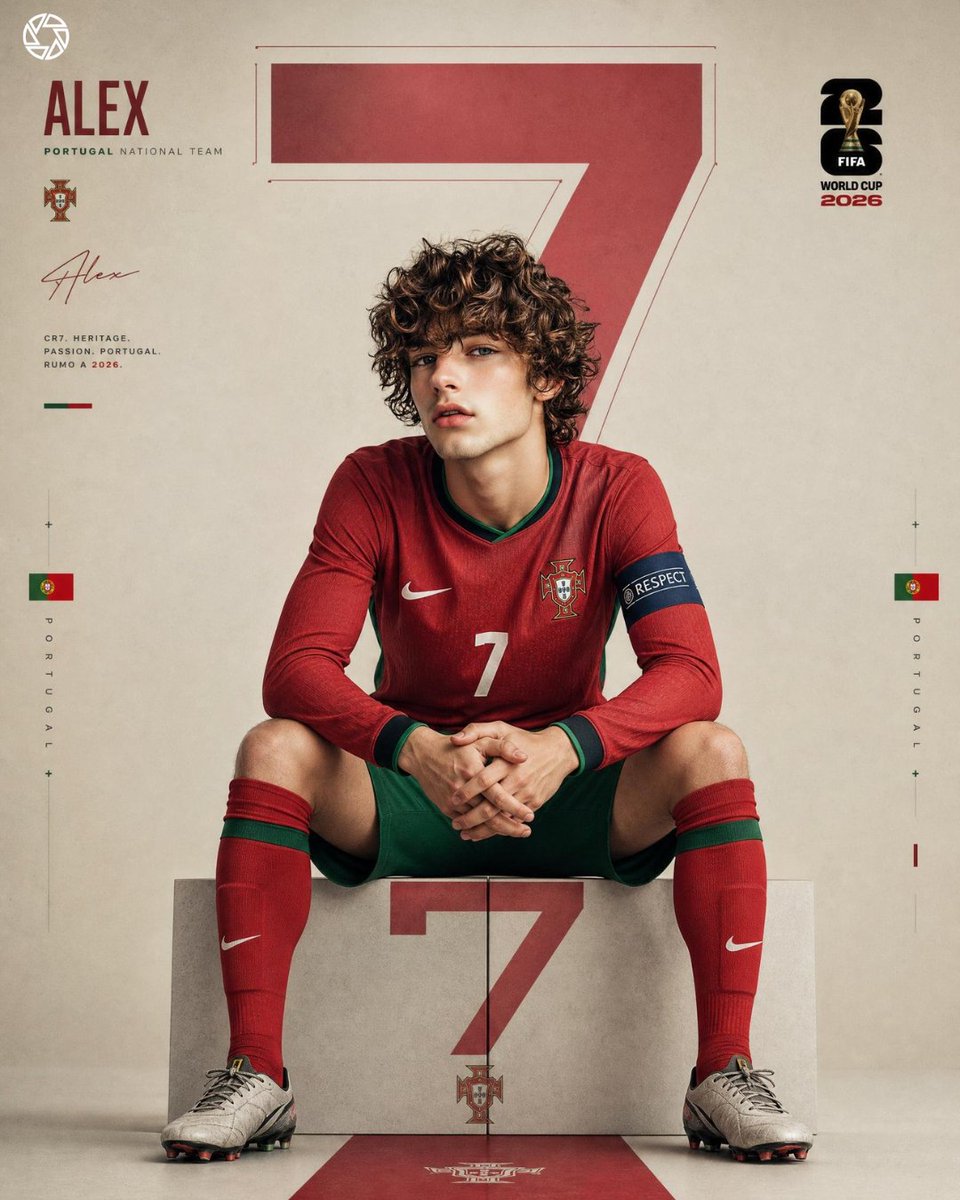
Prioritized by category, input mode compatibility, quality, and lower risk.

Reuse and source notes
Use this prompt safely after previewing the case.
- 1.Copy the prompt or open it directly in Dovoo with the generation button.
- 2.Adjust variables, aspect ratio, and reference images for your own use case.
- 3.Before publishing or paid usage, verify source rights, attribution requirements, and brand or likeness risks.
Can I use this prompt commercially?
Commercial-use status is allowed. Review the original source, license, brand constraints, and legal requirements before paid usage.
Where does this case come from?
This case is imported from Awesome GPT Image 2 Prompts; keep attribution visible and check the source URL before reuse.