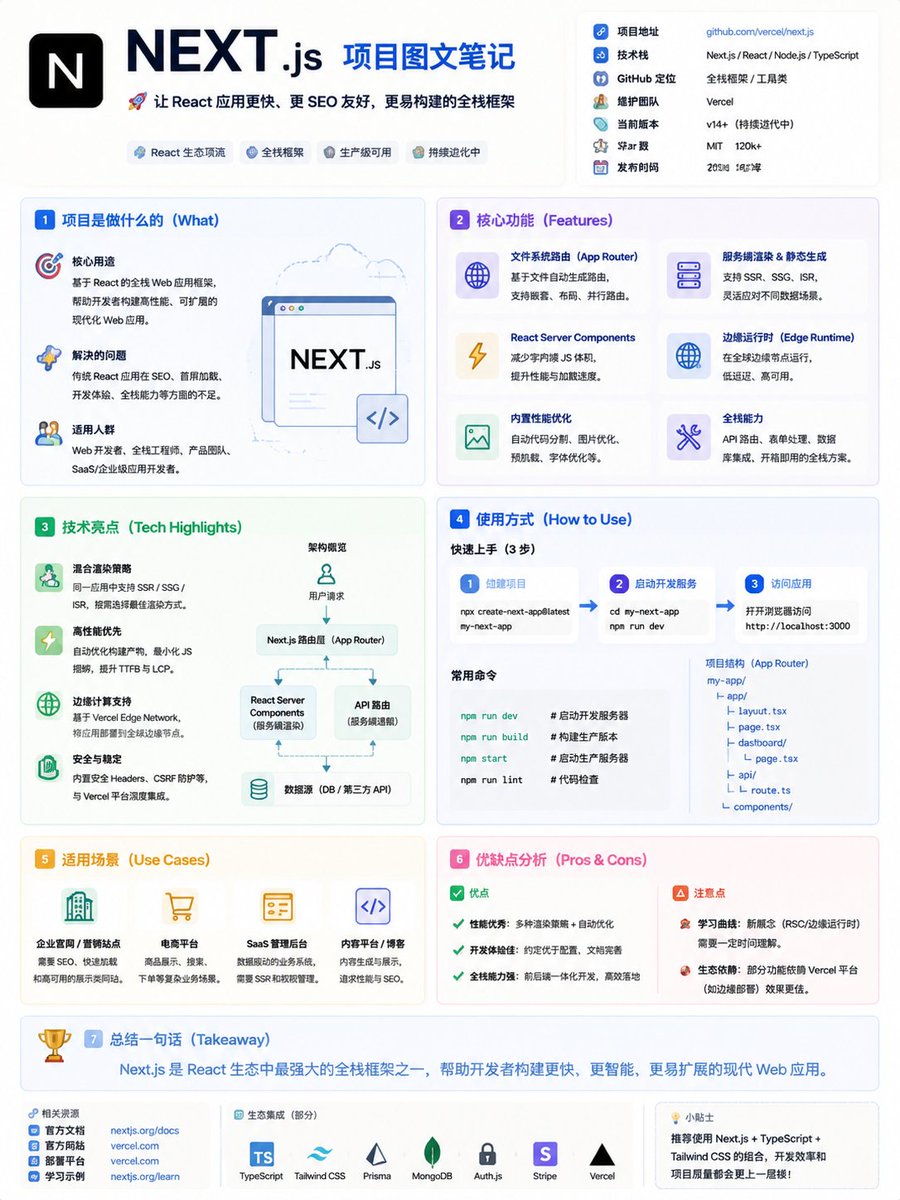
GitHub Project Infographic Poster
A high-density infographic poster prompt for explaining GitHub projects, featuring card-style layouts and technical icons.
This is a GPT Image 2 prompt case for 平面海报. Use the copy-ready prompt below to generate similar visuals, and review Awesome GPT Image 2 Prompts attribution plus commercial-use rights before reuse.
Need the full prompt set? Use the 平面海报 topic hub for more related examples, or open the GPT Image 2 prompt library for the full example index, reusable structures, and source attribution.
Prompt
Copy-ready prompt
Generate a paper with the theme "{argument name="project link" default="GitHub project name/link"} "In-depth analysis" high-density infographic poster. [Basic Information] Name:{argument name="name" default="Project Name"} Core functions:{argument name="function" default="A problem solved in one sentence"} Technology stack:{argument name="stack" default="For example: Next.js, React, Python"} Type: Tools/UI/SaaS/AI. [Style] Modern minimalist UI + technical infographic style. Soft background (beige/light gray). Low-saturation color scheme (blue/green/purple). Flat illustrations + icons. High density but clear hierarchy. [Structure] Includes the following modules: Project introduction, core functions (4-6 points), technical highlights (SSR/performance), how to use, application scenarios, advantages and disadvantages. [Visuals] Card layout (Notion/Linear style), clear division, using icons such as ⚙️ 🚀 📦, key information is bolded. [Output] The entire text is in Chinese, with concise and rhythmic language, avoiding large blocks of text.Prompt variables
Editable argument placeholders found in the prompt, with their default values.
Variable
project link
Default
GitHub project name/link
Variable
name
Default
Project Name
Variable
function
Default
A problem solved in one sentence
Variable
stack
Default
For example: Next.js, React, Python
More cases in this category
Prioritized by category, input mode compatibility, quality, and lower risk.

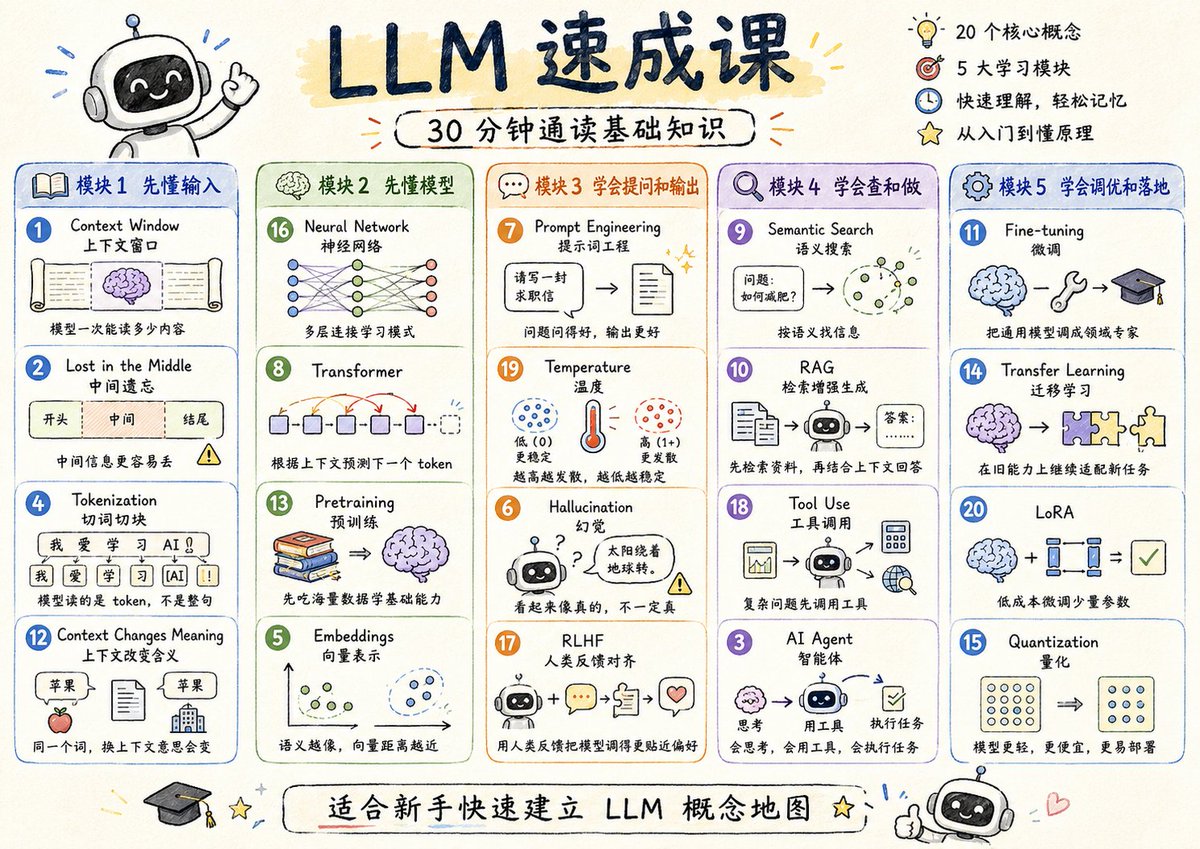
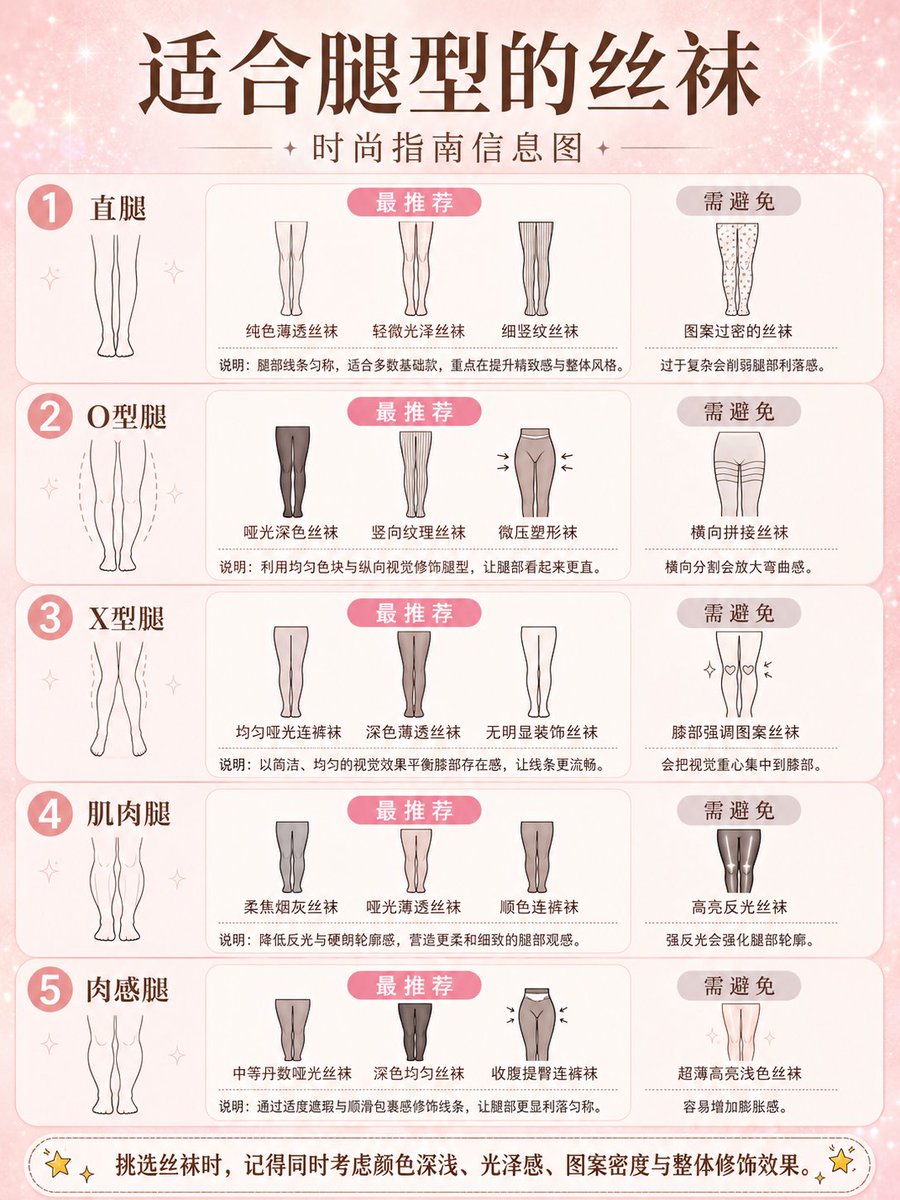


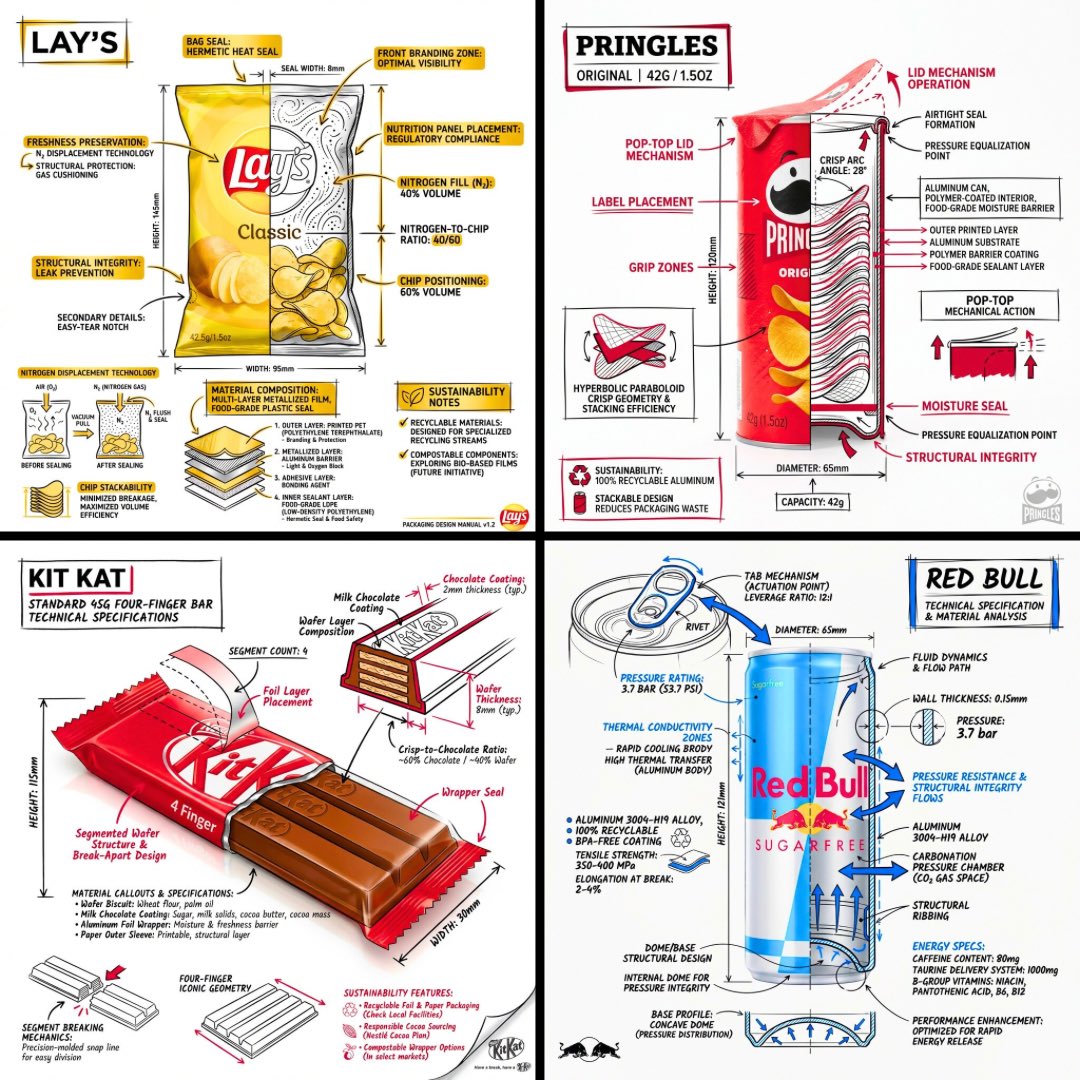
Reuse and source notes
Use this prompt safely after previewing the case.
- 1.Copy the prompt or open it directly in Dovoo with the generation button.
- 2.Adjust variables, aspect ratio, and reference images for your own use case.
- 3.Before publishing or paid usage, verify source rights, attribution requirements, and brand or likeness risks.
Can I use this prompt commercially?
Commercial-use status is allowed. Review the original source, license, brand constraints, and legal requirements before paid usage.
Where does this case come from?
This case is imported from Awesome GPT Image 2 Prompts; keep attribution visible and check the source URL before reuse.