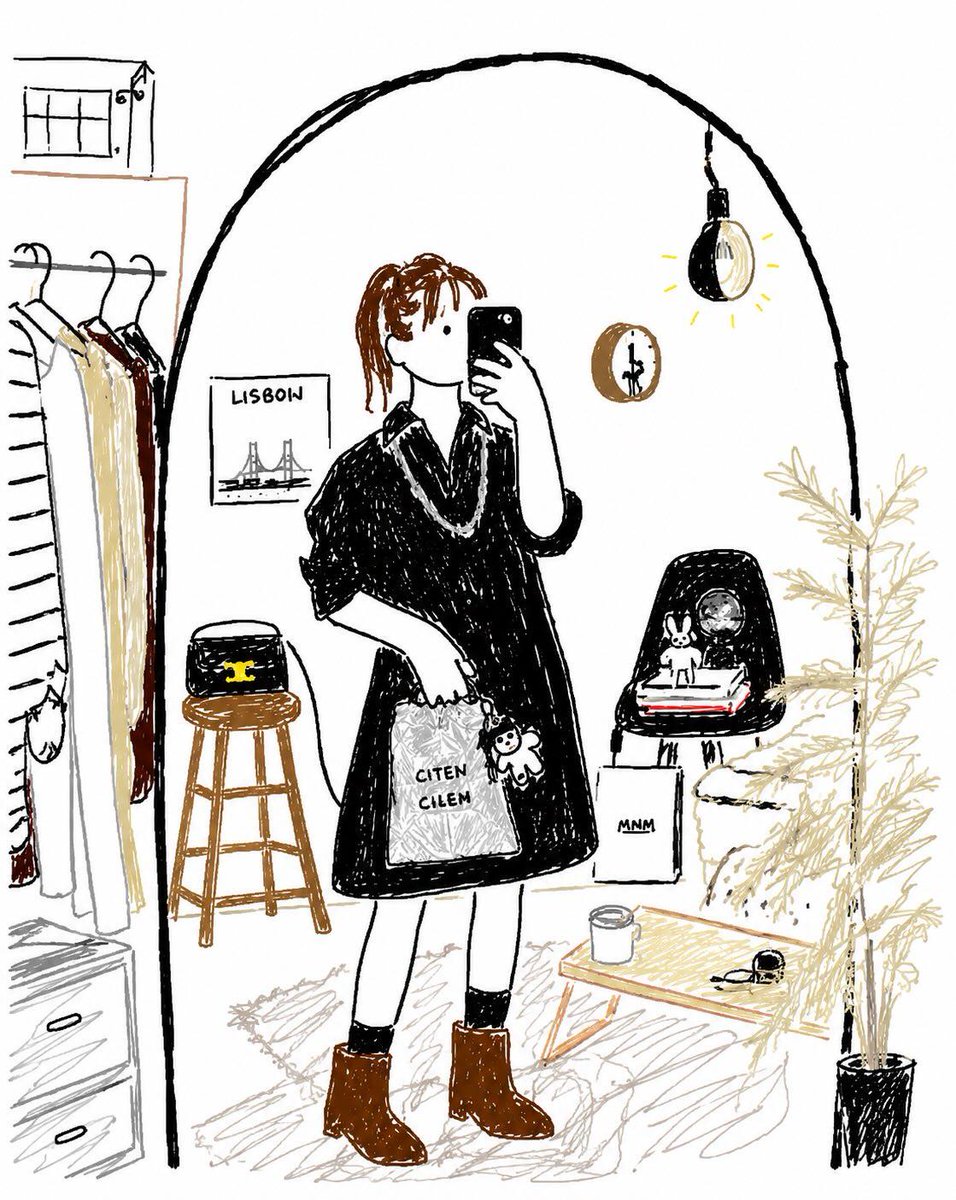
Bad MS Paint Redraw
A unique prompt that intentionally degrades a reference image to look like it was drawn poorly in MS Paint with a mouse.
This is a GPT Image 2 prompt case for 插画艺术. Use the copy-ready prompt below to generate similar visuals, and review Awesome GPT Image 2 Prompts attribution plus commercial-use rights before reuse.
Need the full prompt set? Use the 插画艺术 topic hub for more related examples, or open the GPT Image 2 prompt library for the full example index, reusable structures, and source attribution.
Prompt
Copy-ready prompt
Please redraw the attached image in the clumsiest, messiest, and worst possible way. Use a white background and make it look like it was created using {argument name="software style" default="Mouse in MS Paint"} It's a drawing. It should have a vague resemblance to the original image, but not quite—like it's barely correct in some places, but overall it looks extremely strange and awkward. The emphasis is on low-quality, pixelated visuals, making it look incredibly absurd.Prompt variables
Editable argument placeholders found in the prompt, with their default values.
Variable
software style
Default
Mouse in MS Paint
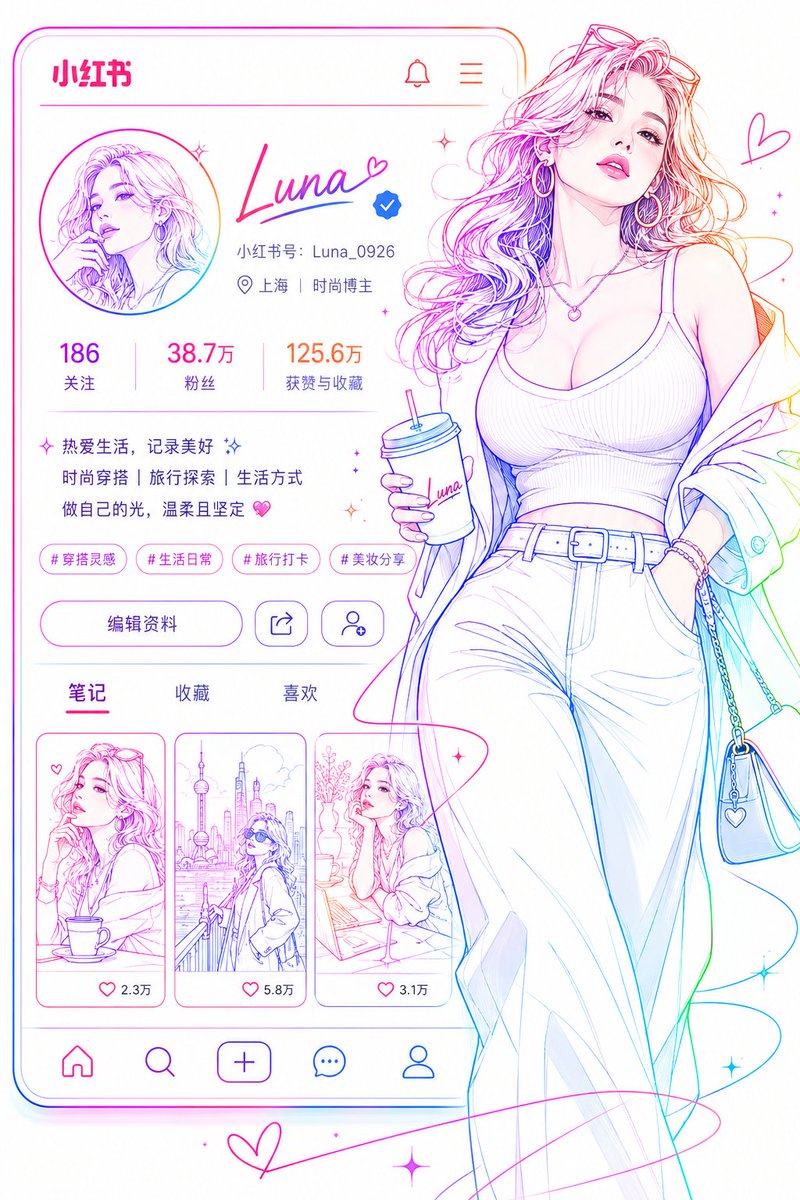
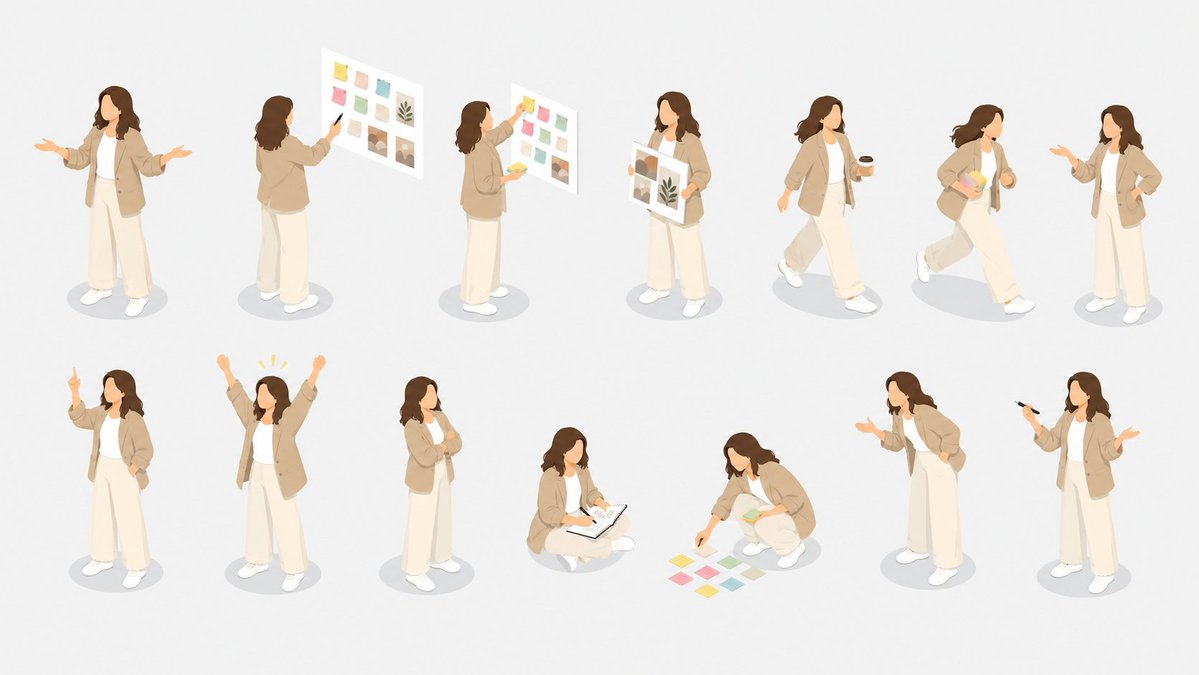
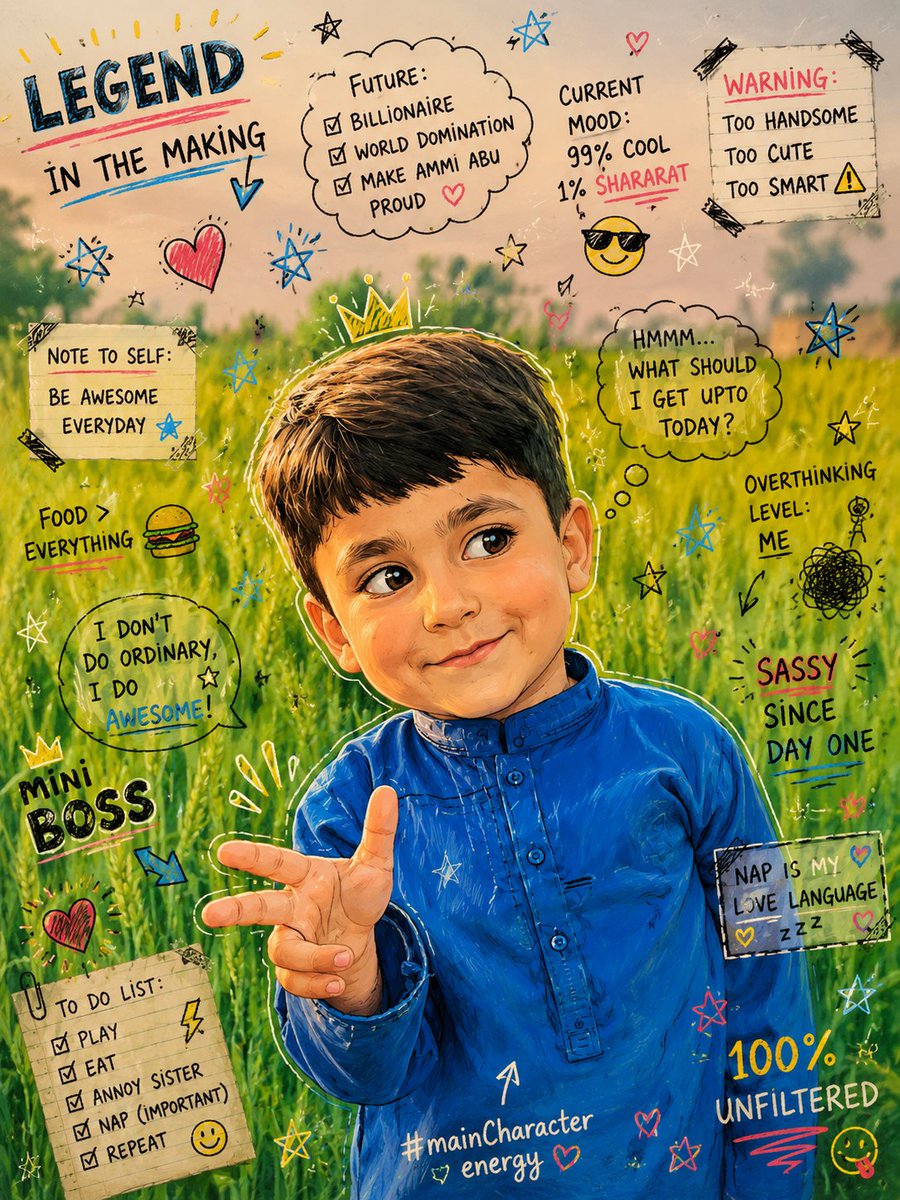
More cases in this category
Prioritized by category, input mode compatibility, quality, and lower risk.

Reuse and source notes
Use this prompt safely after previewing the case.
- 1.Copy the prompt or open it directly in Dovoo with the generation button.
- 2.Adjust variables, aspect ratio, and reference images for your own use case.
- 3.Before publishing or paid usage, verify source rights, attribution requirements, and brand or likeness risks.
Can I use this prompt commercially?
Commercial-use status is allowed. Review the original source, license, brand constraints, and legal requirements before paid usage.
Where does this case come from?
This case is imported from Awesome GPT Image 2 Prompts; keep attribution visible and check the source URL before reuse.