Prompt topic
vector AI image prompts
Vector prompts help you turn a broad visual direction into a reusable AI generation brief with subject, context, composition, style, and reuse checks in one place.
Best uses
Best uses for vector prompts
- - Exploring vector visual directions
- - Building source-attributed prompt examples
- - Comparing styles, scenes, and output goals
- - Adapting existing cases into safer production briefs
Prompt structure
Prompt structure that works
- - Start with the subject and intended output
- - Add context, composition, lighting, and style cues
- - Specify constraints such as aspect ratio, background, or copy space
- - Keep attribution and commercial-use review visible
Adaptation
How to adapt these examples
- - Replace the subject and goal before changing style
- - Tune camera, lighting, and output constraints
- - Review source, likeness, brand, and third-party artwork risks













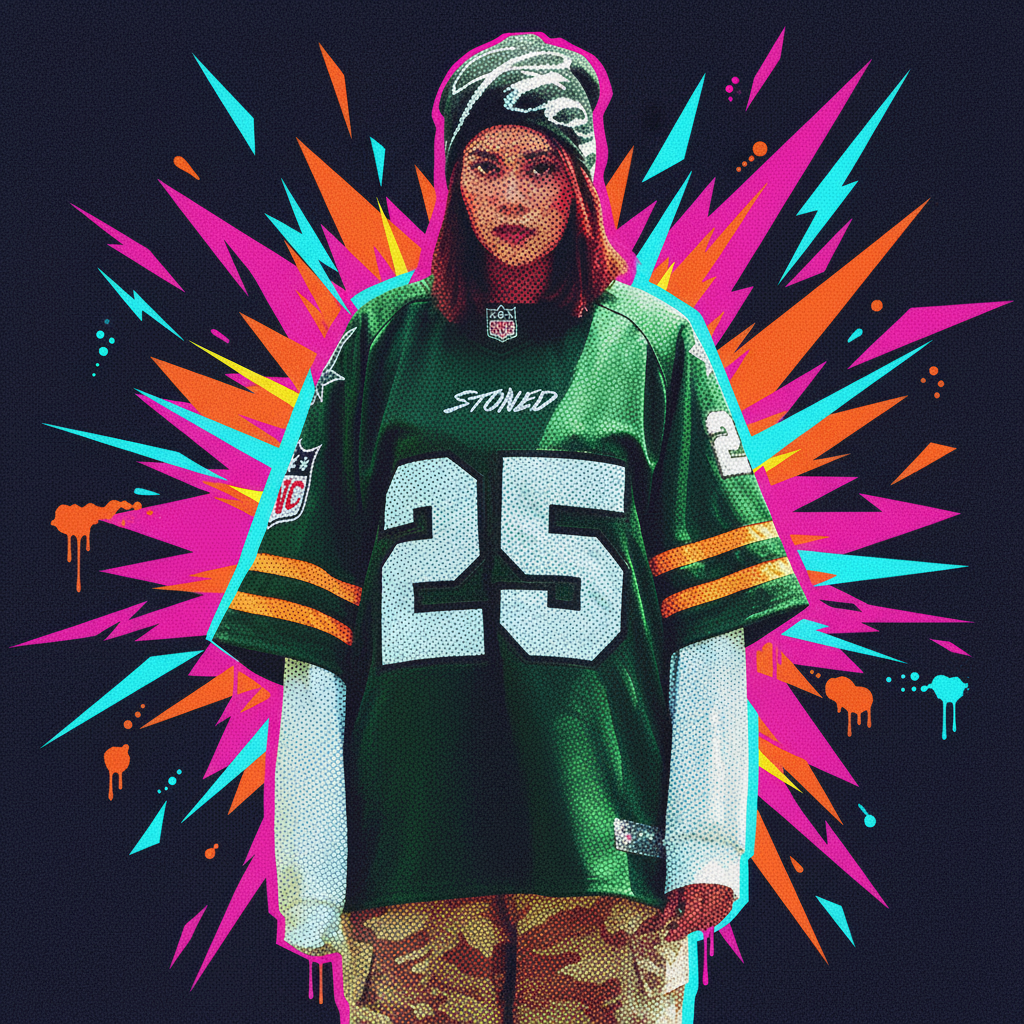

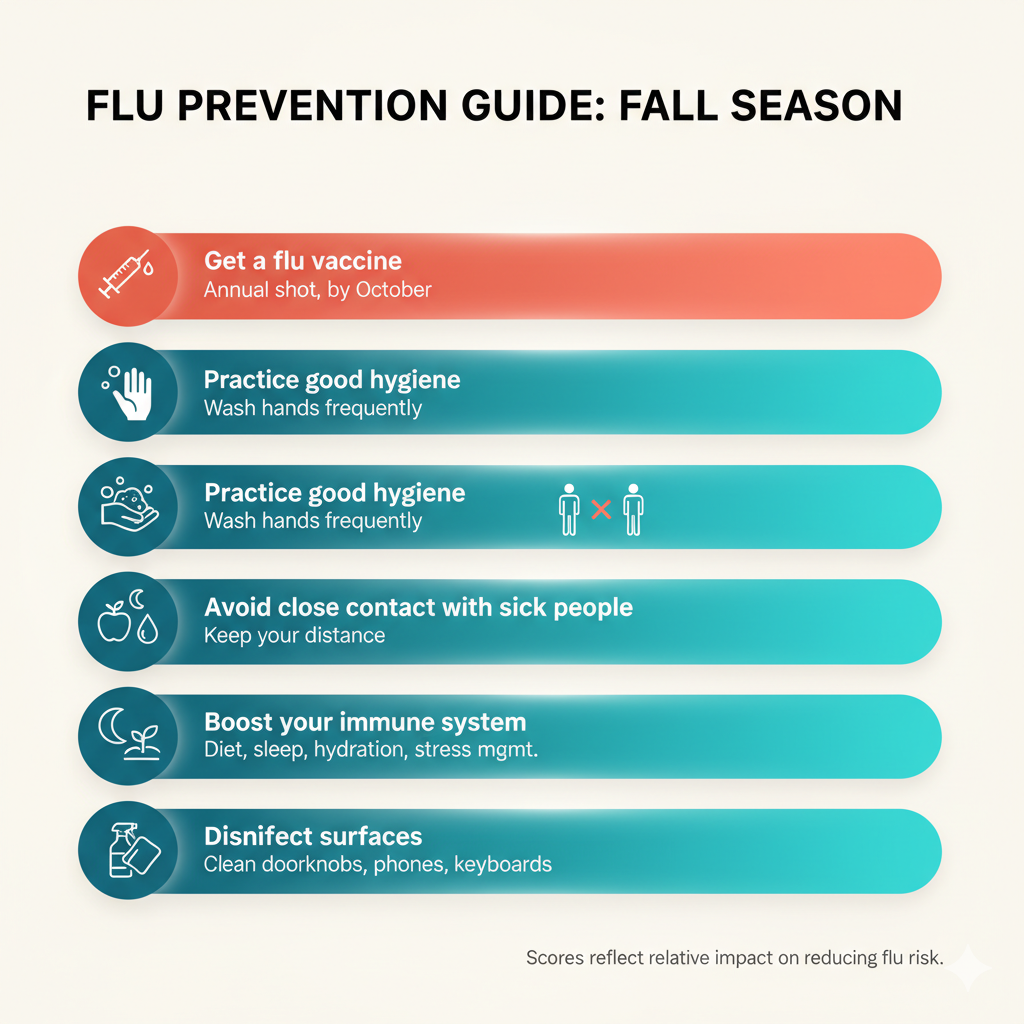

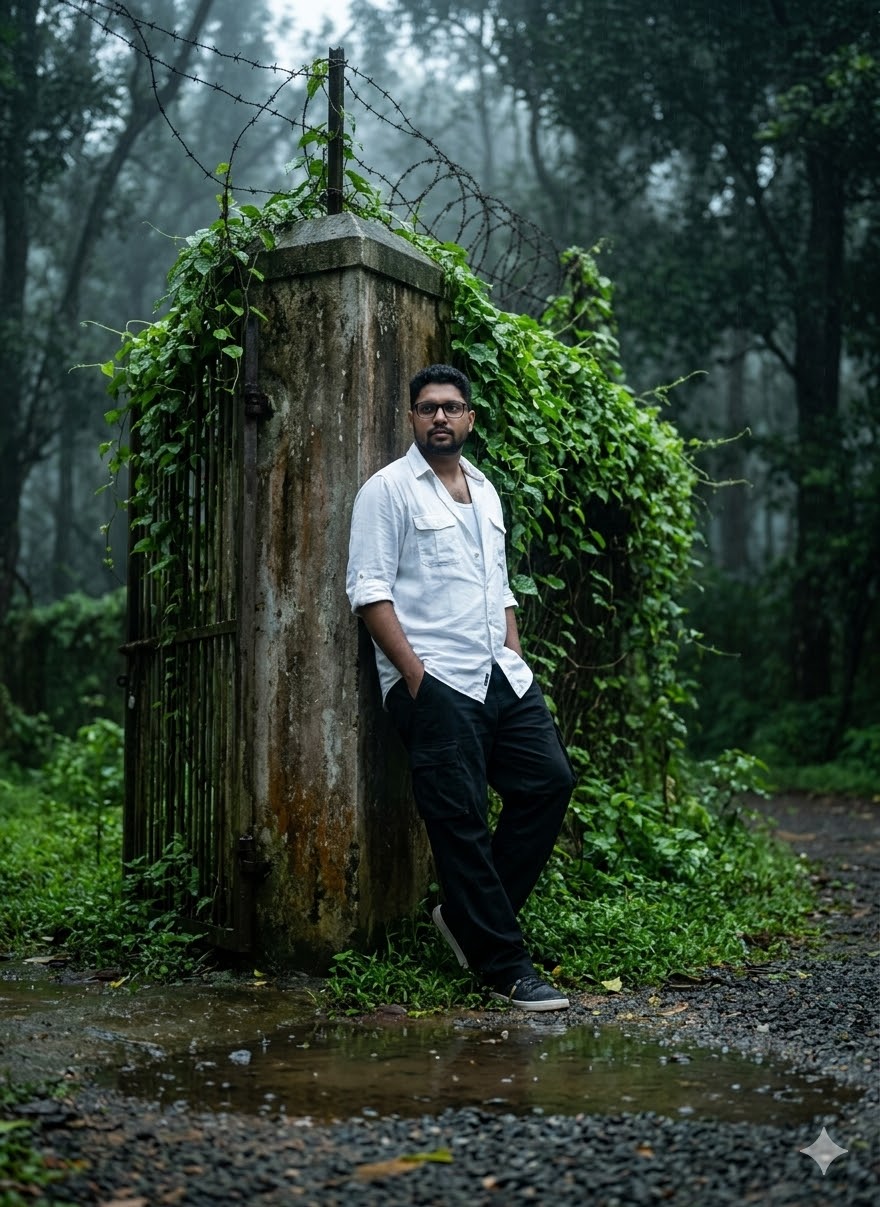
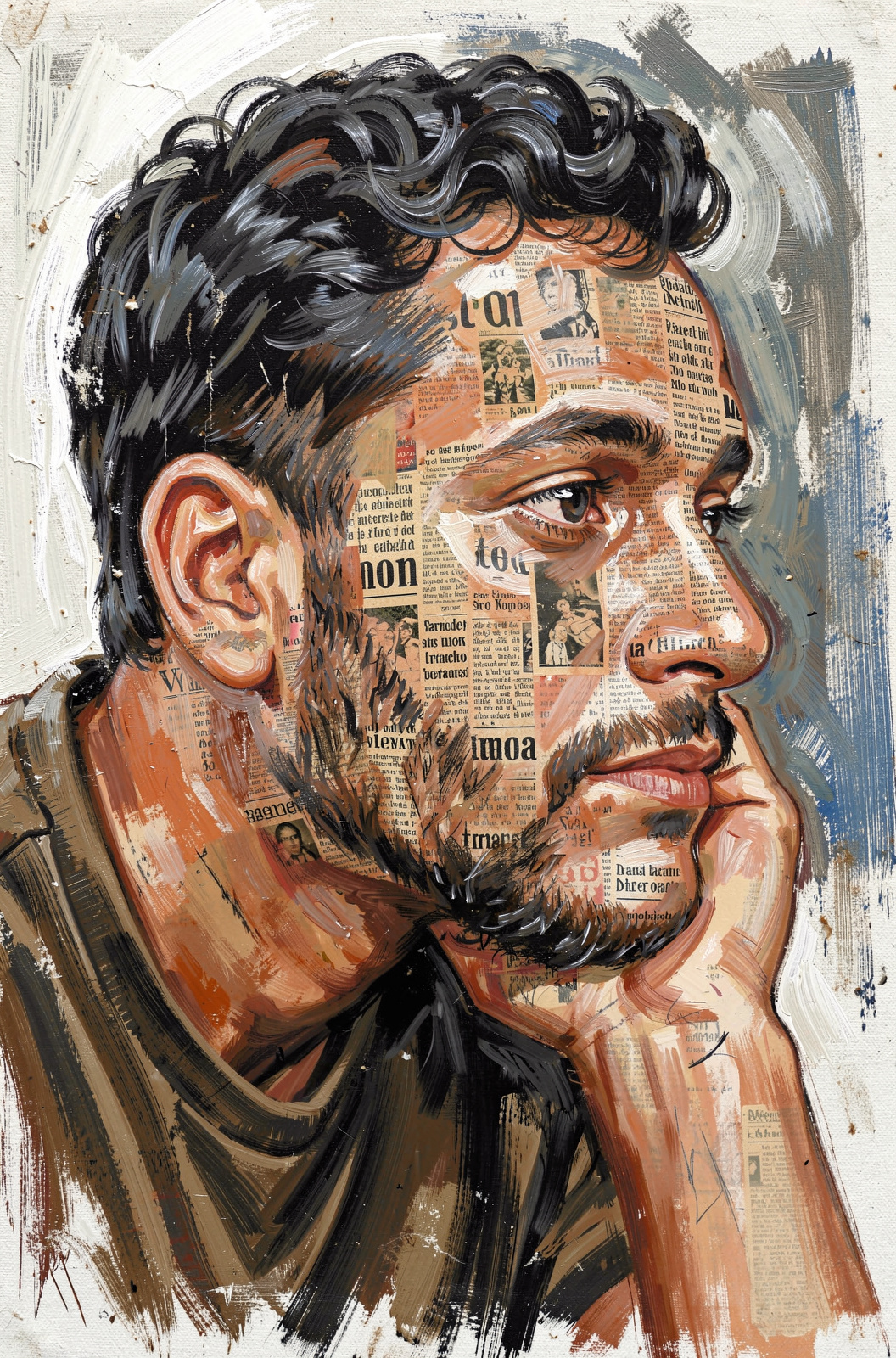


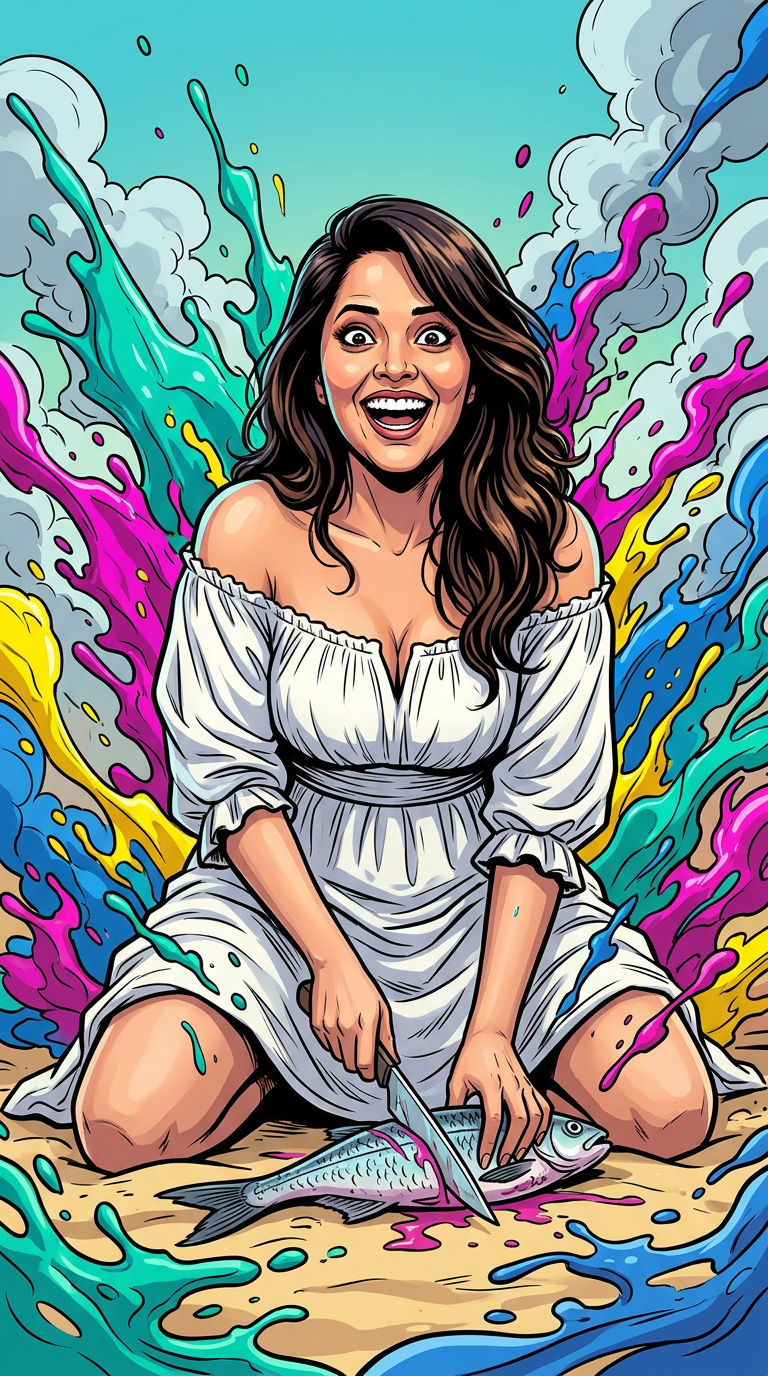
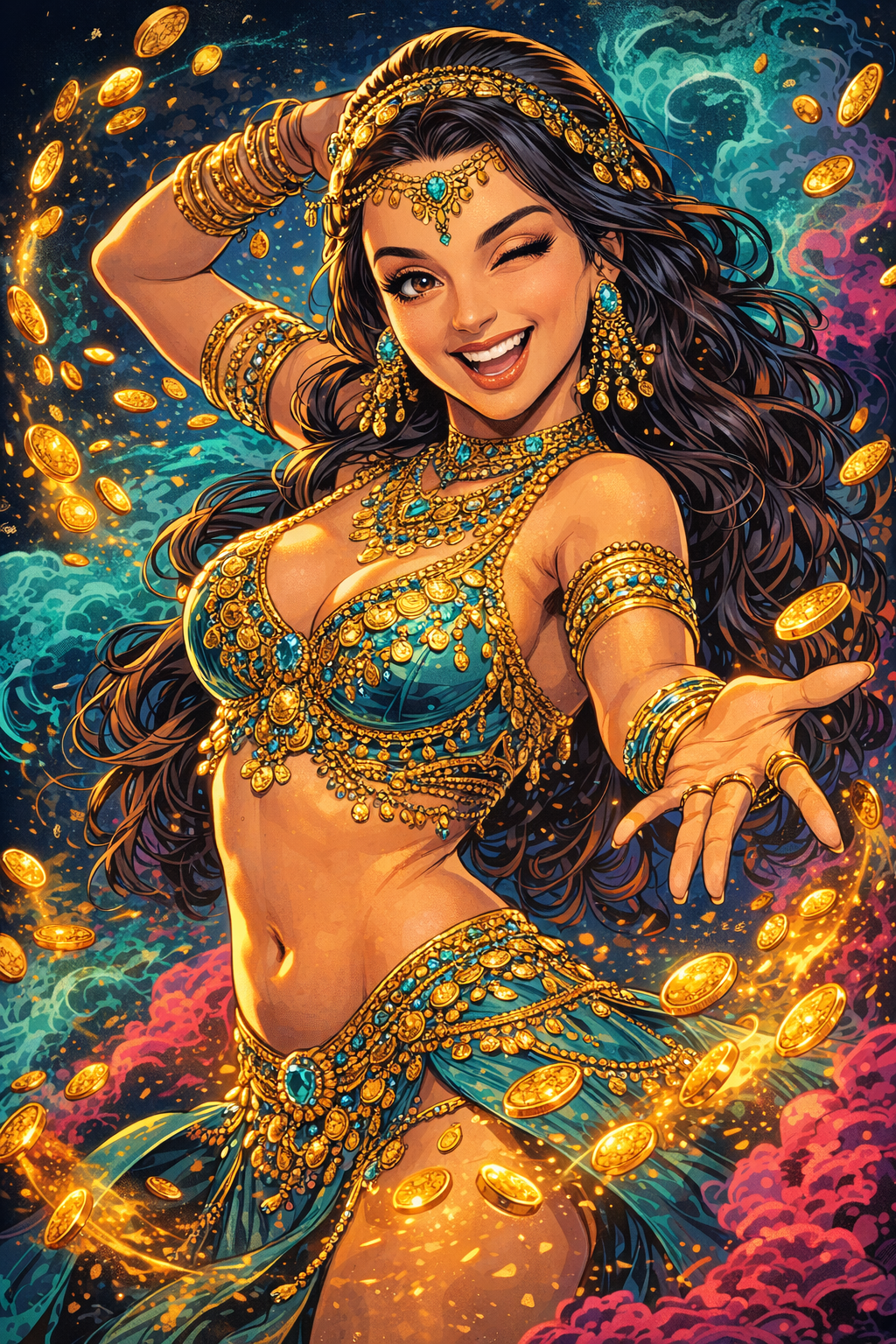
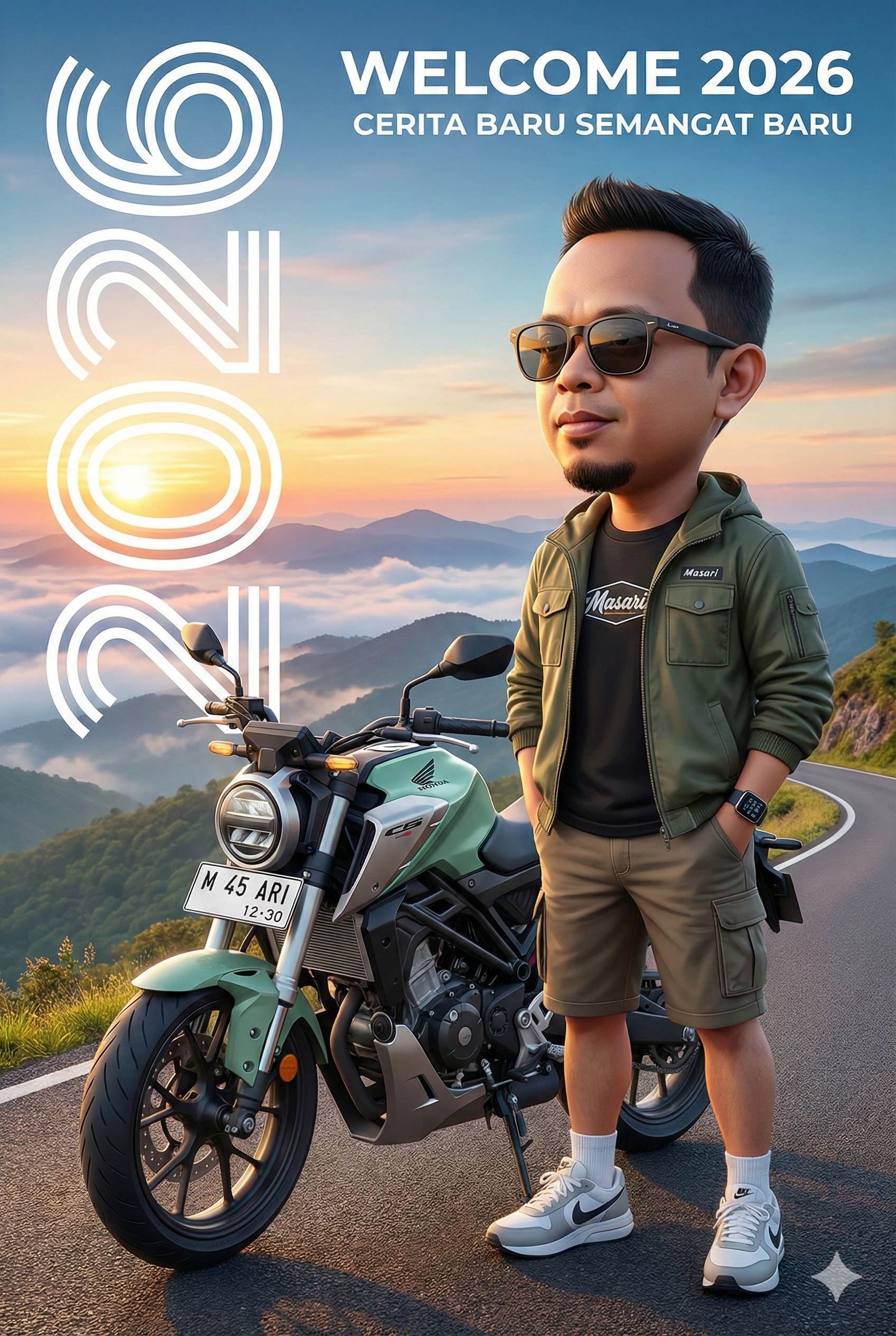
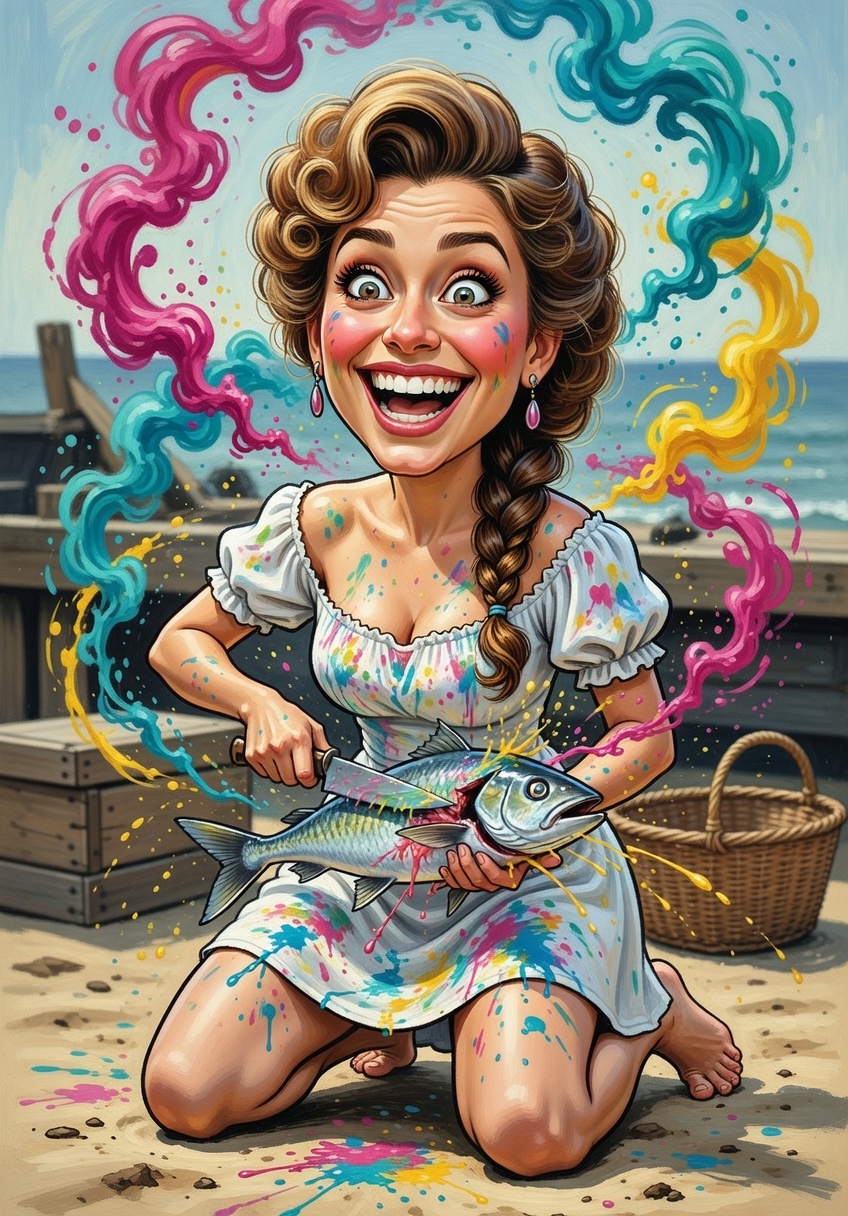


All prompts loaded
Prompt topic notes
About vector AI image prompts
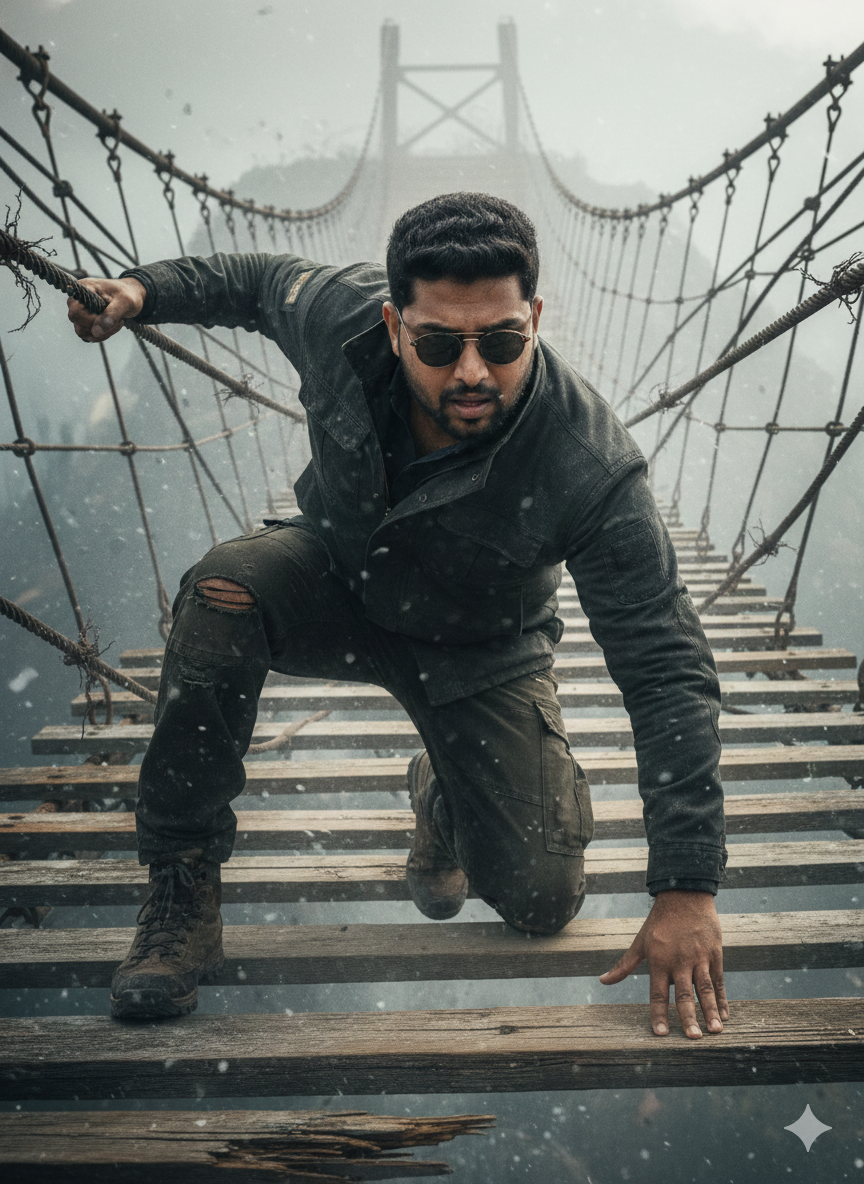
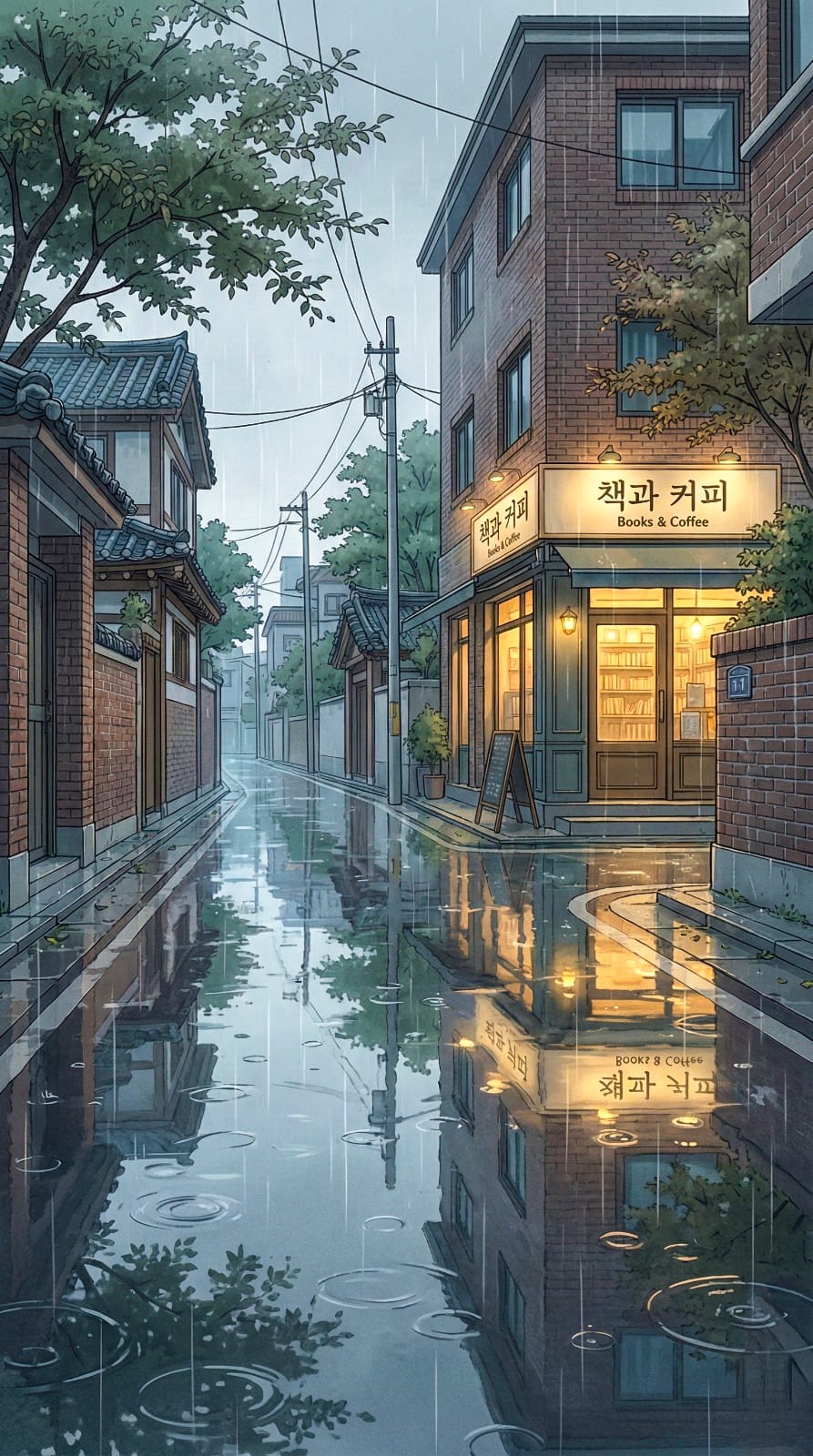
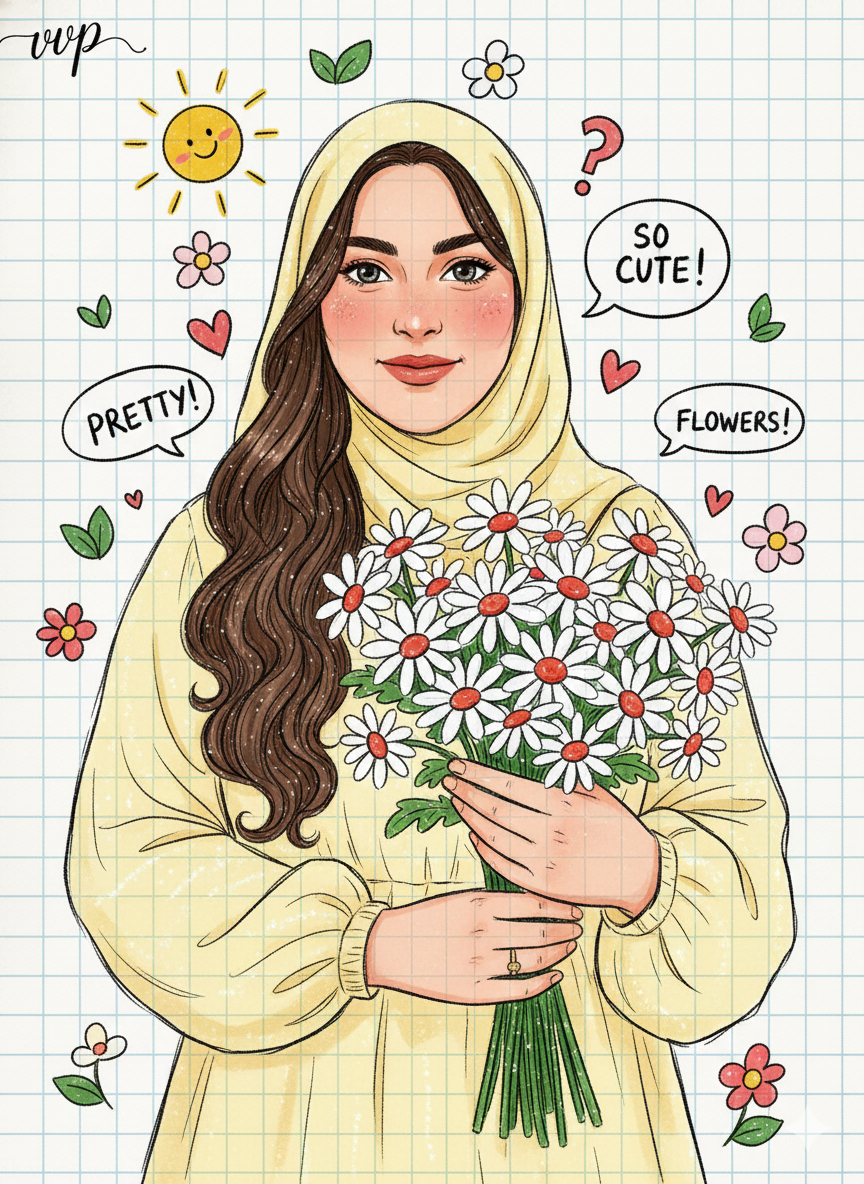
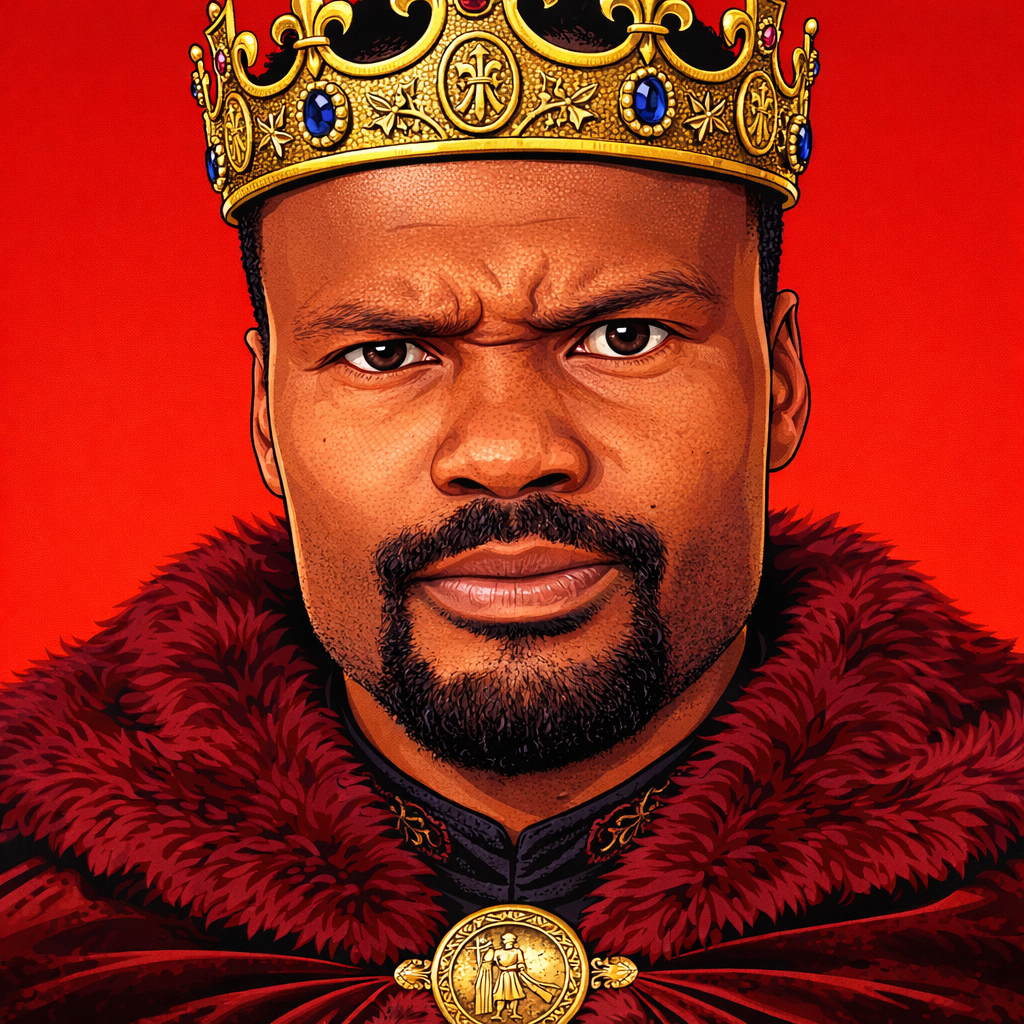
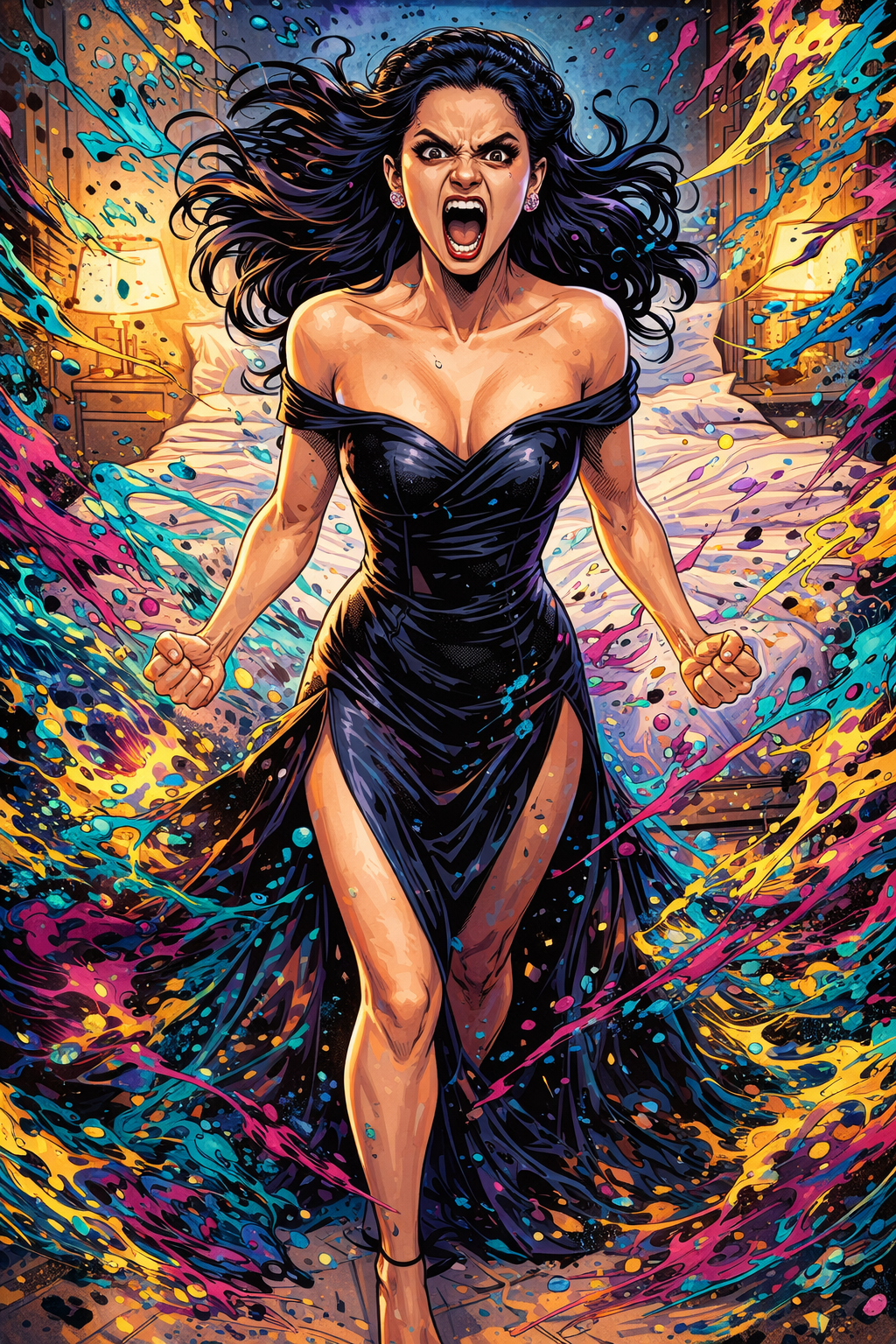
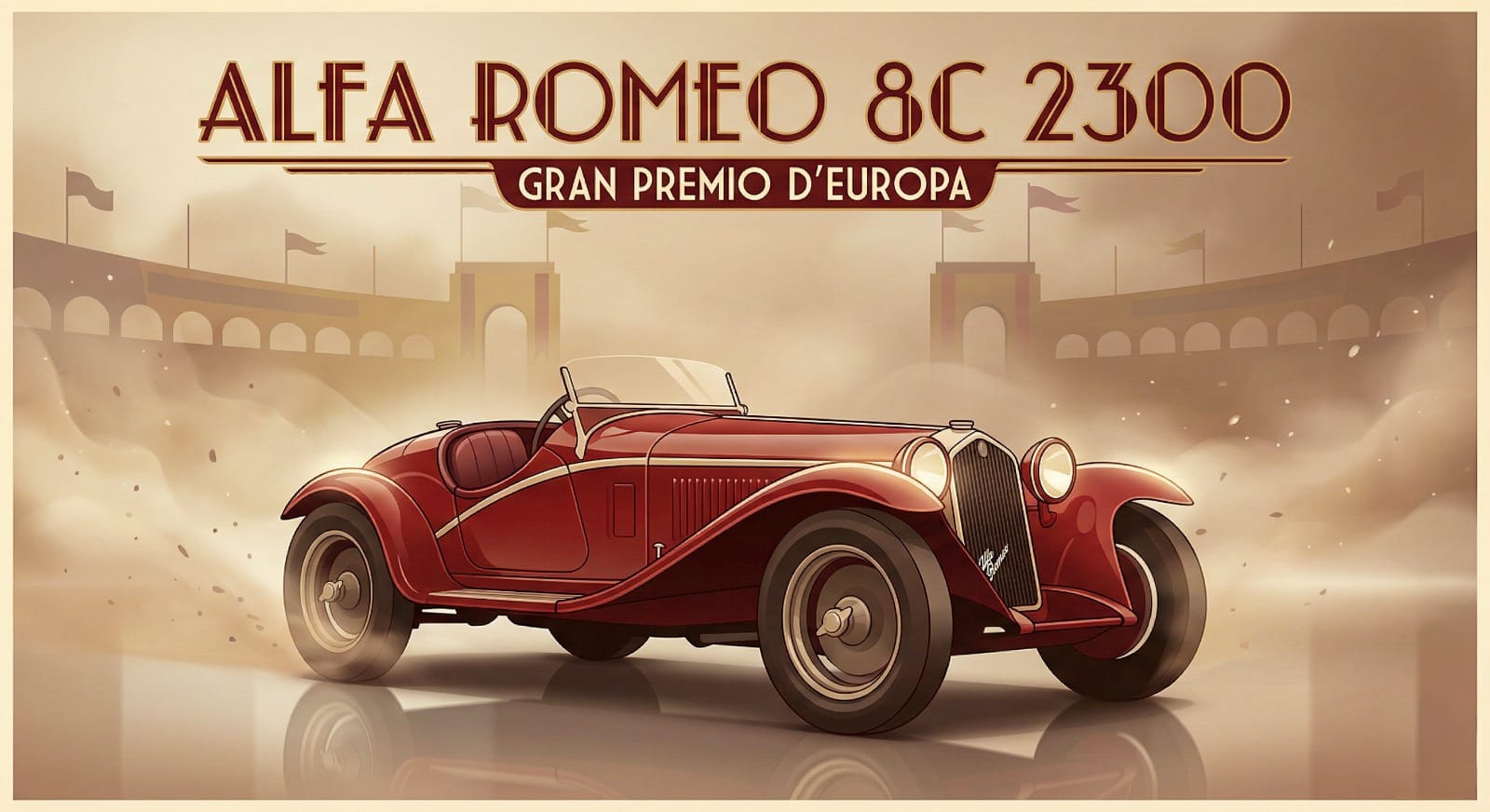
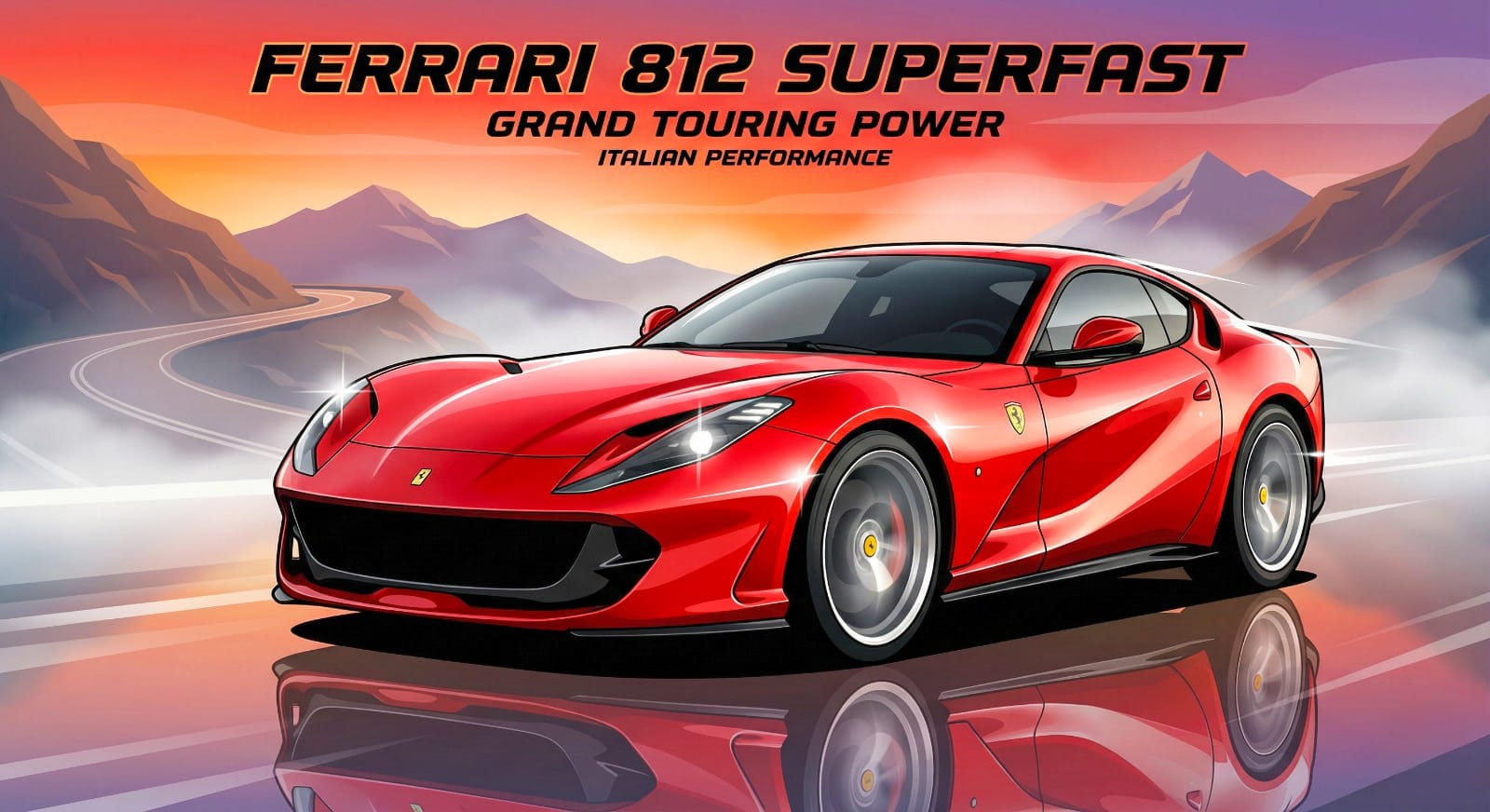
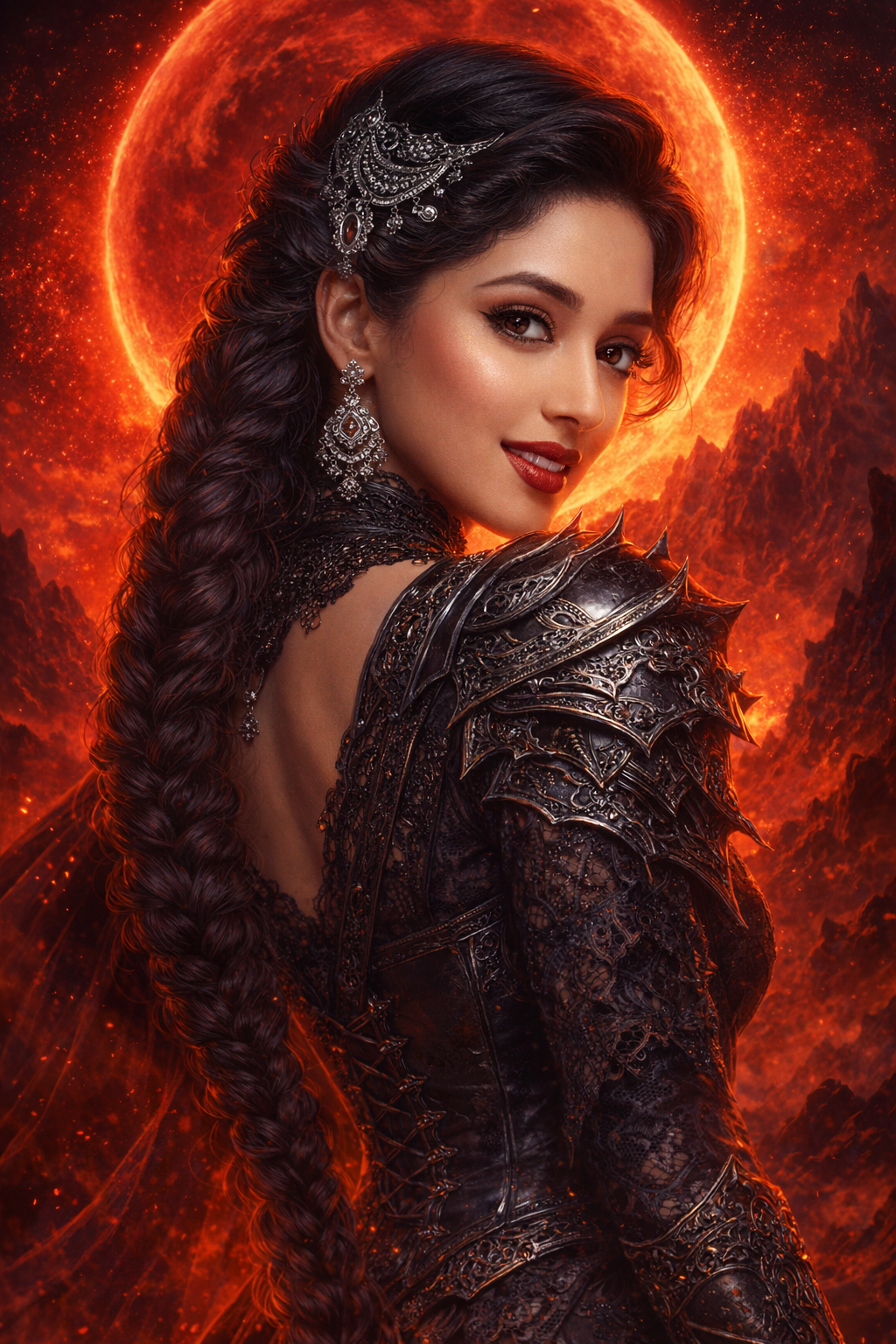
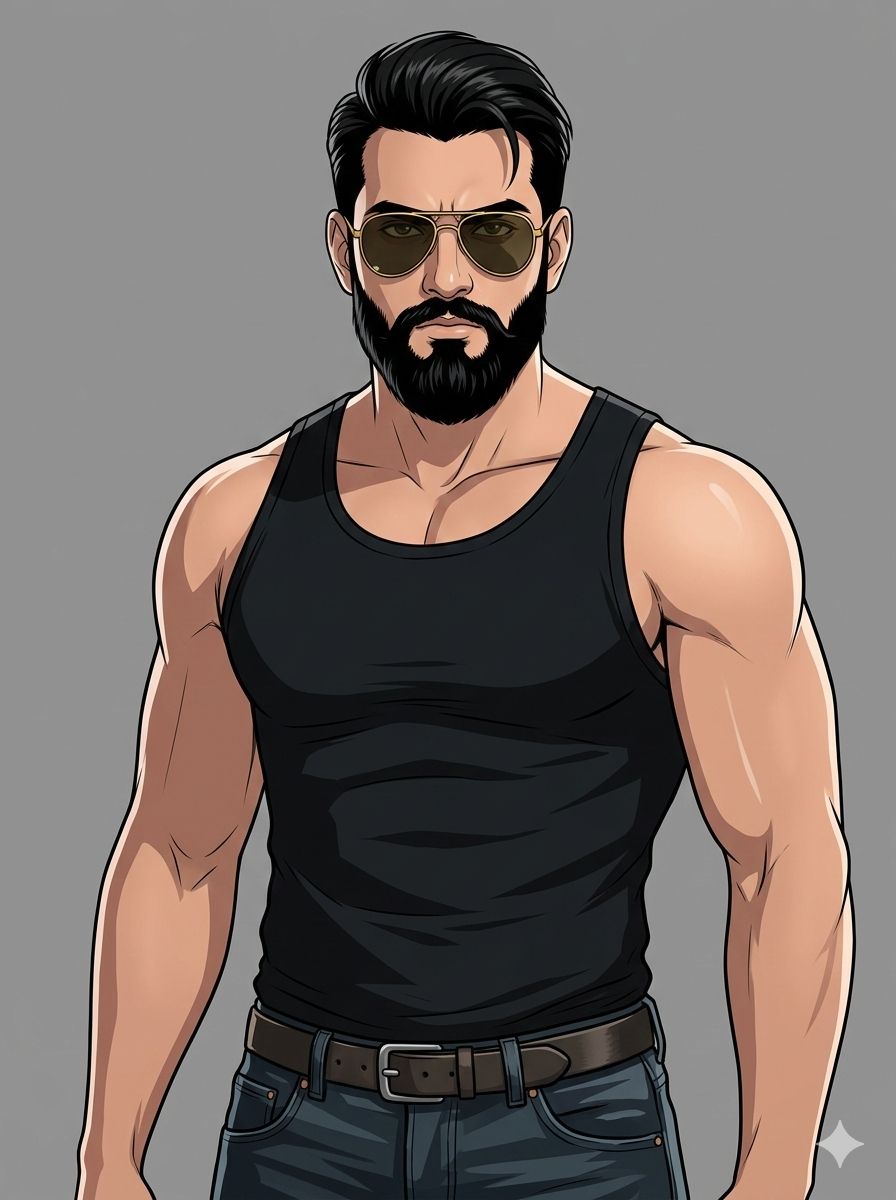
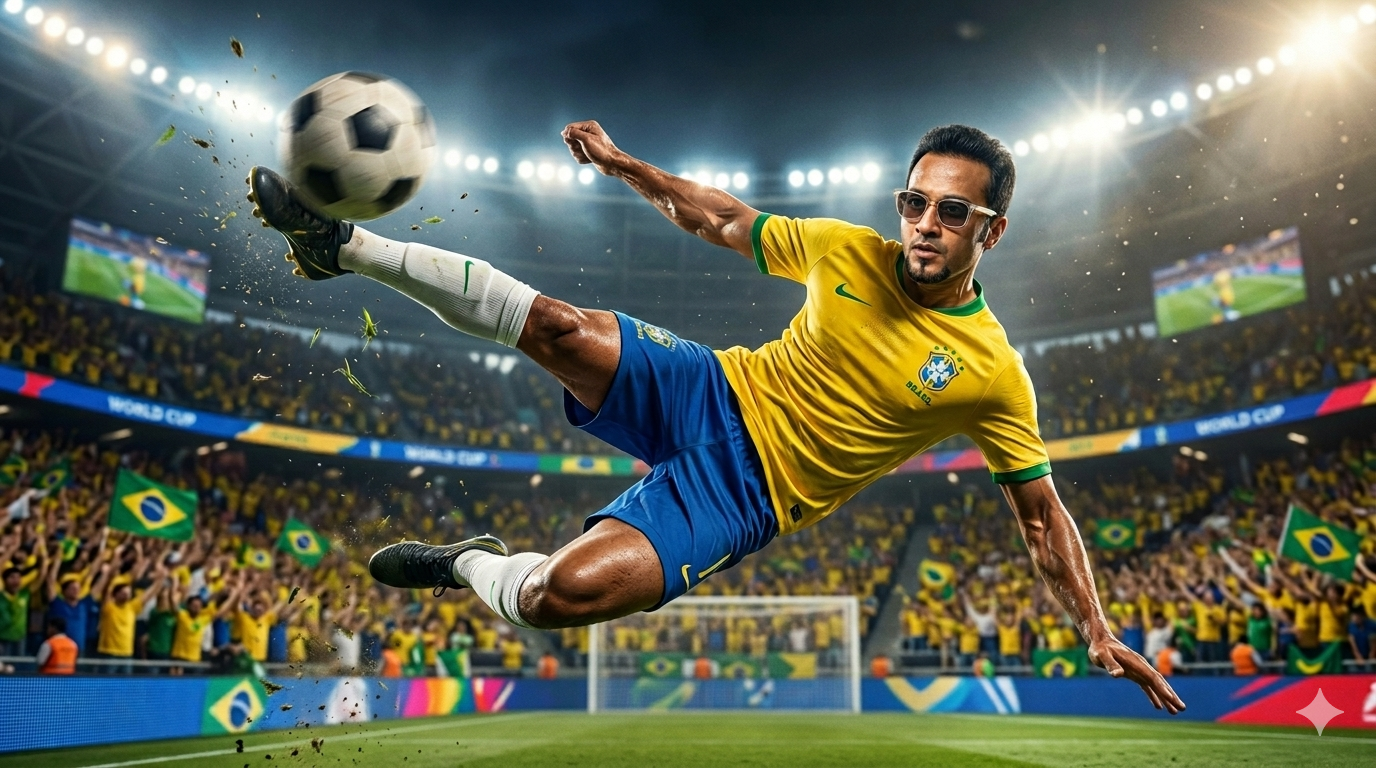
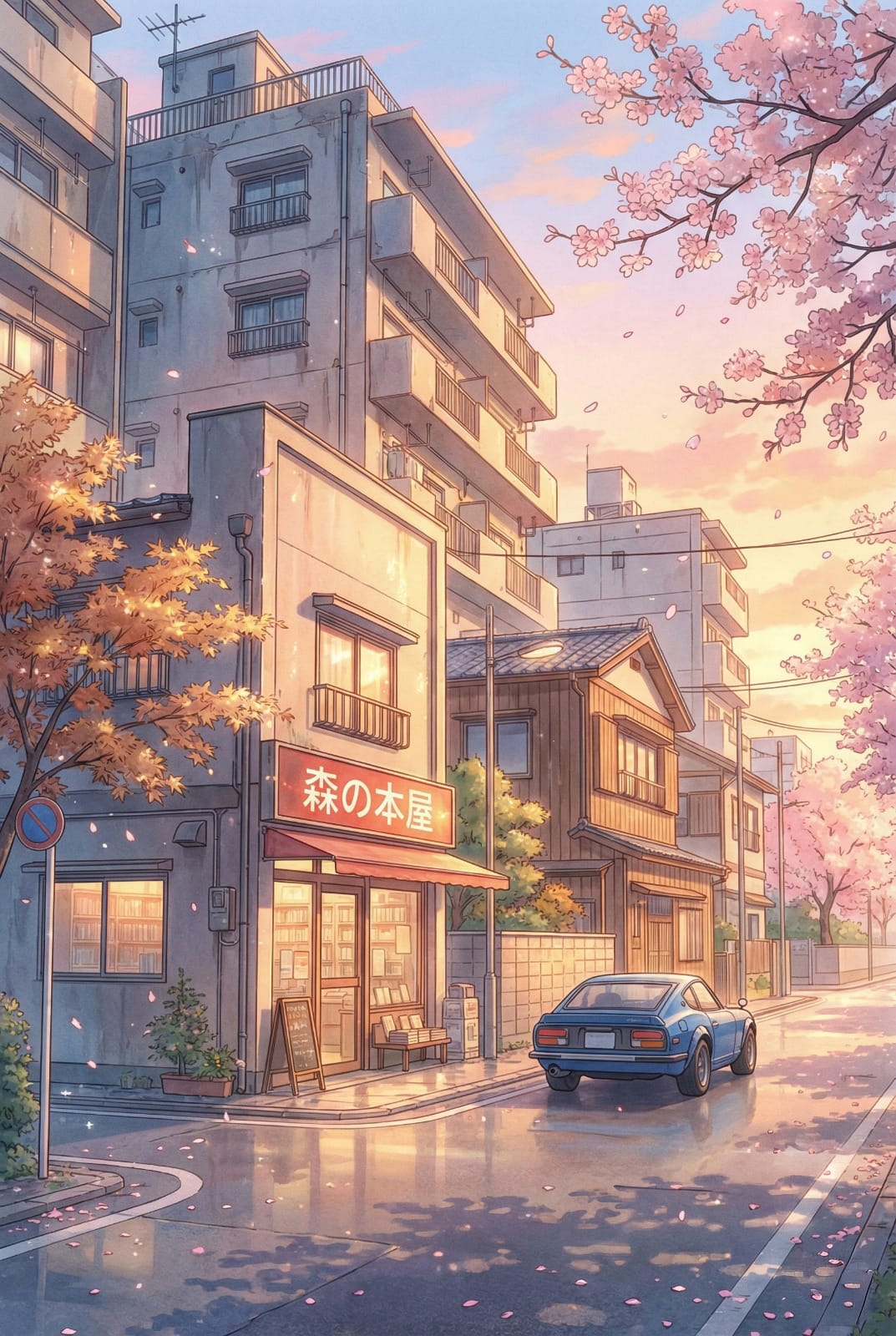
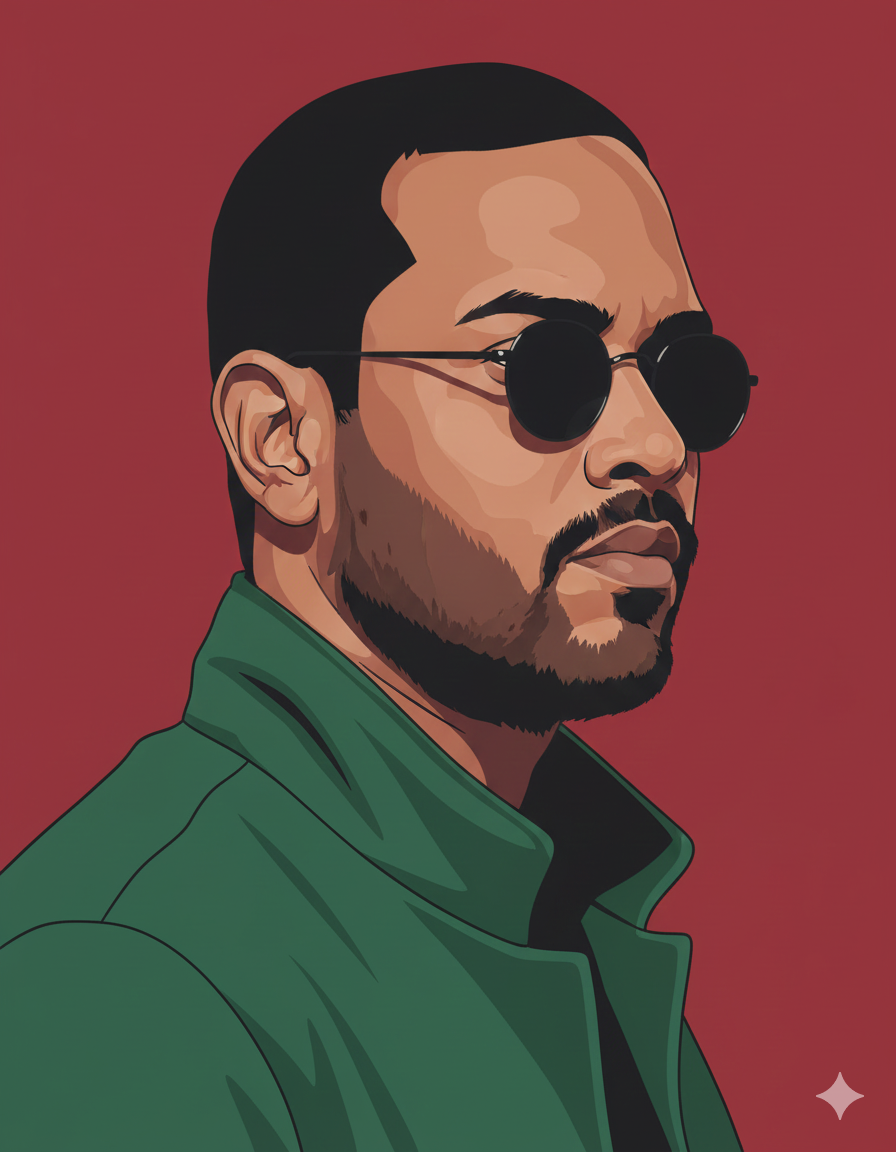
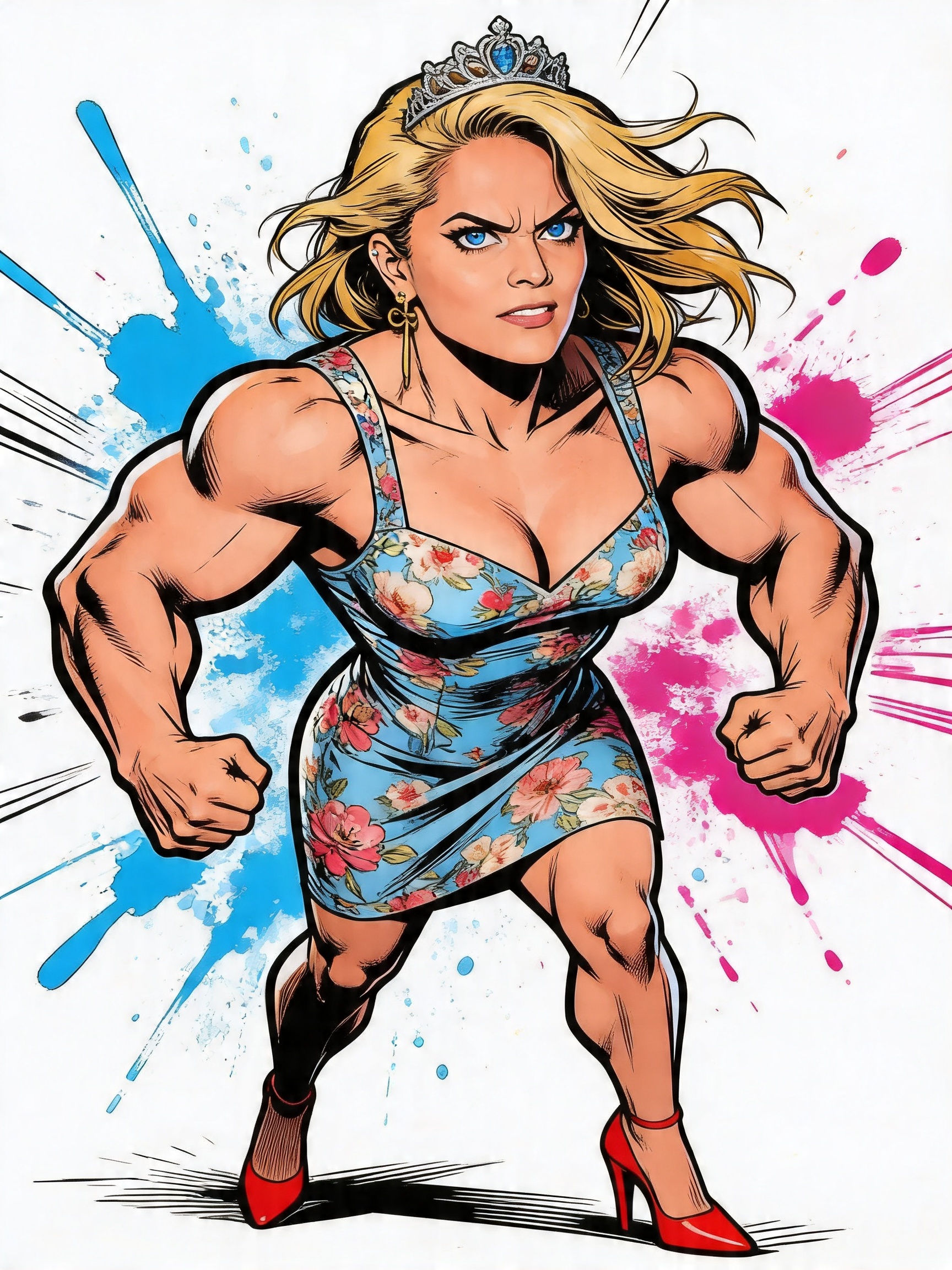
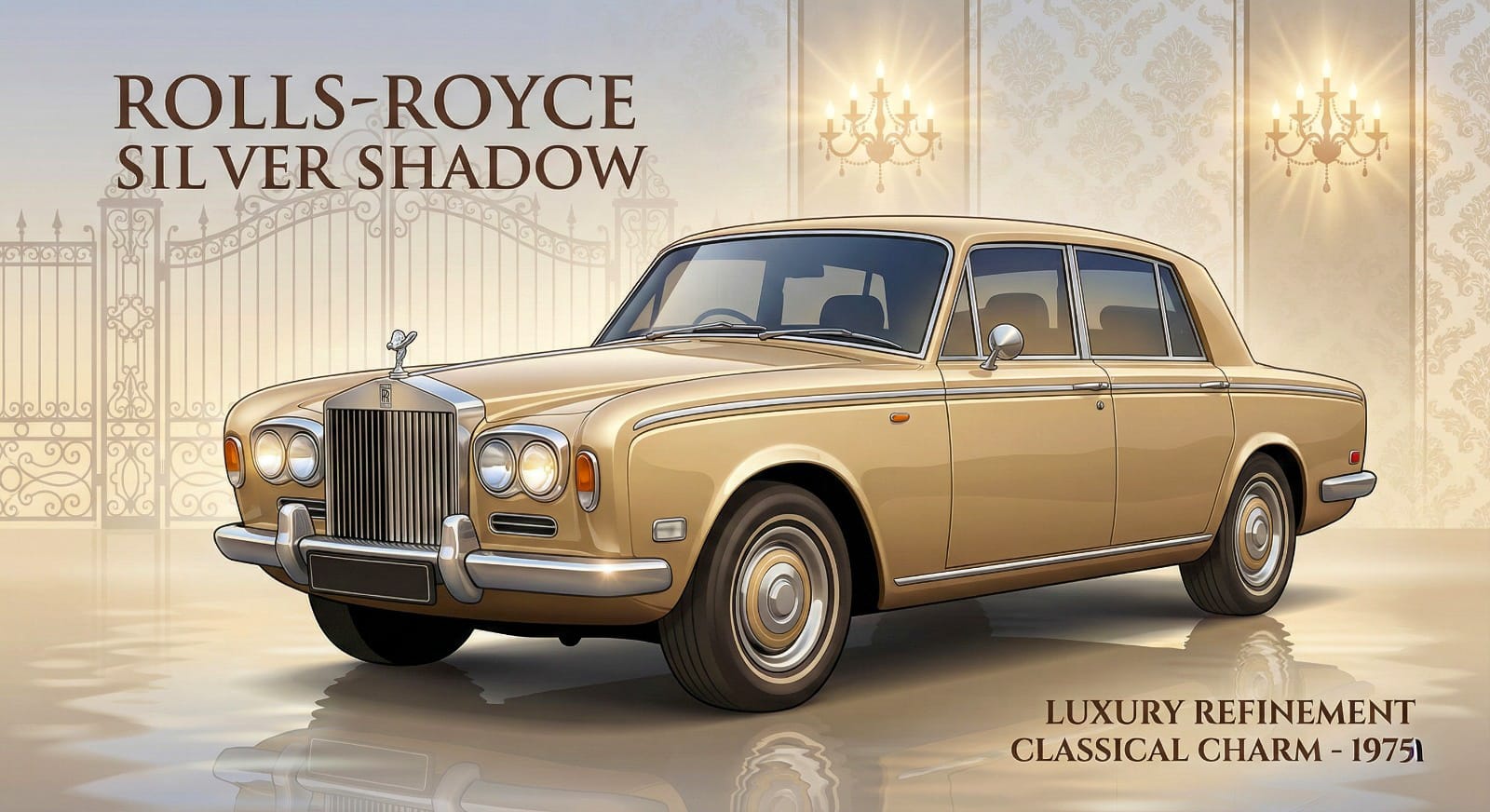
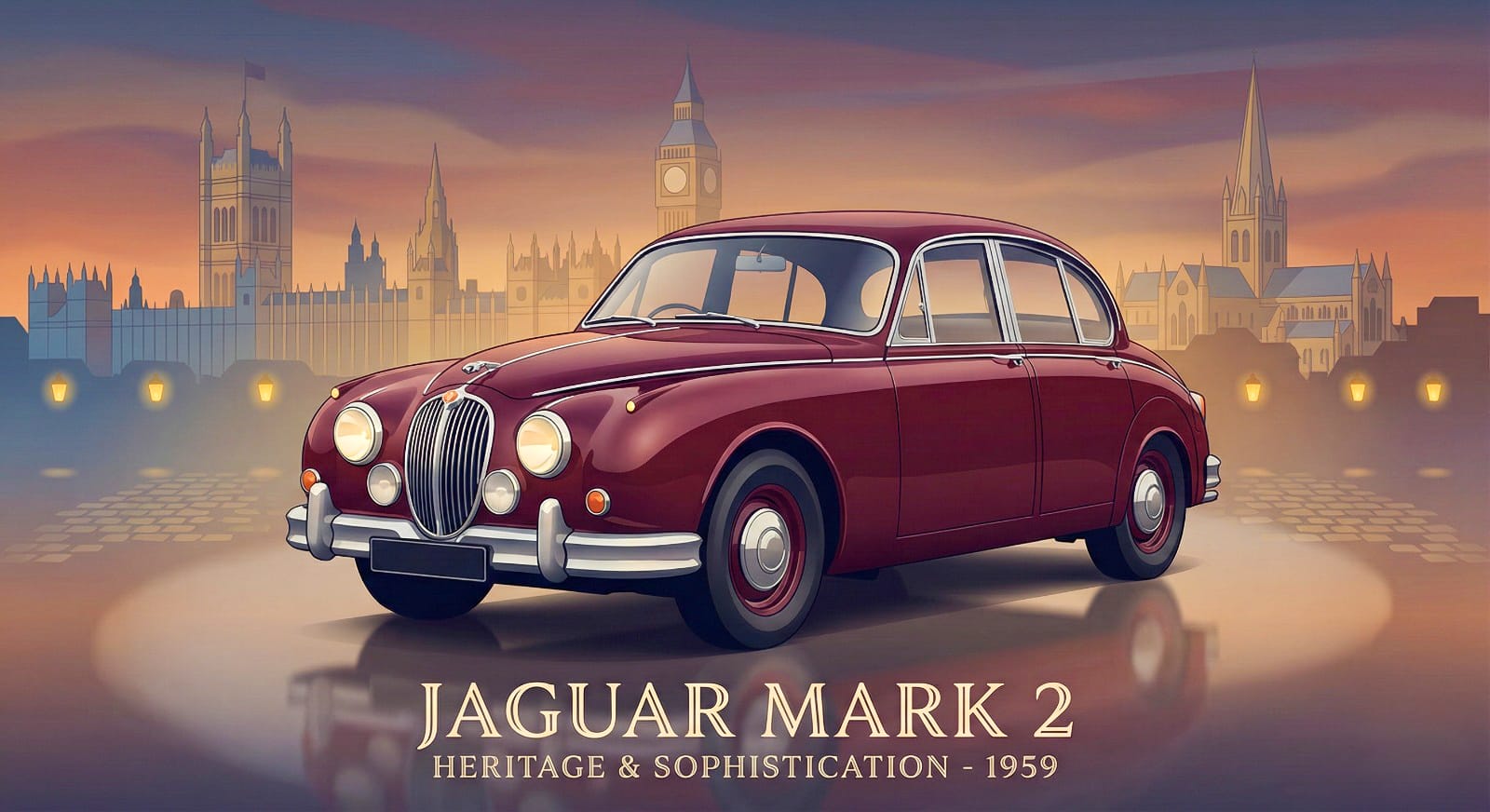
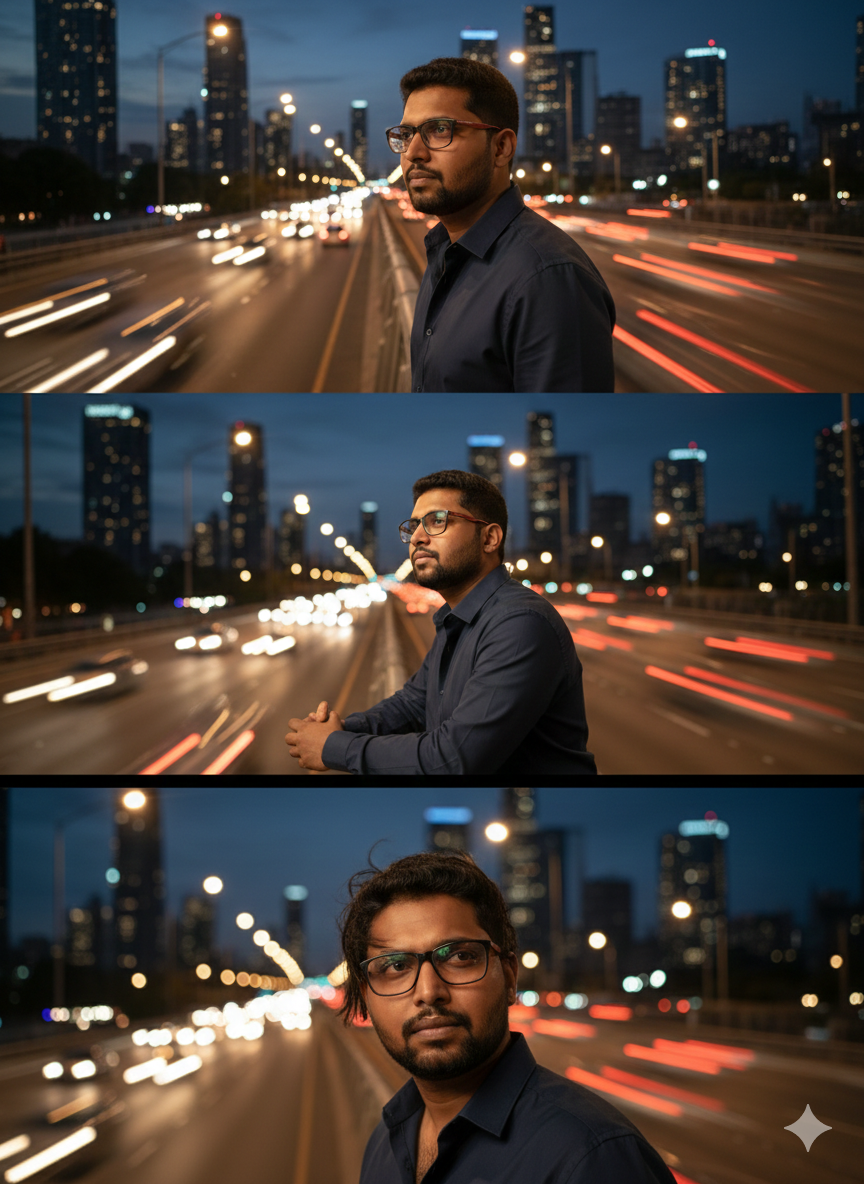
Explore 38 Nano Banana Pro examples for vector. Each page keeps source attribution, prompt text, adaptation guidance, and commercial-use cautions close to the case grid.
What are vector AI image prompts?
They are GPT Image 2 prompt examples grouped around vector, with copy-ready text, visual references, attribution, and commercial-use cautions so creators can adapt the structure safely.
How should I reuse a vector prompt?
Start from the prompt structure, then change the subject, composition, style cues, constraints, and output goal. Check the source attribution before using the result in client or paid work.
Are these vector prompts safe for commercial projects?
The page keeps source and licensing context visible, but commercial use still needs case-by-case review for brands, characters, likeness, logos, source images, and third-party artwork.